
How to Handle MS Project Pro 2024 Lifetime 3 pcs Problems & Solutions Professionally
Having issues with MS Project Pro 2024 Lifetime 3 pcs? Learn how to easily troubleshoot installation, activation, and setup problems to keep your projects on track.
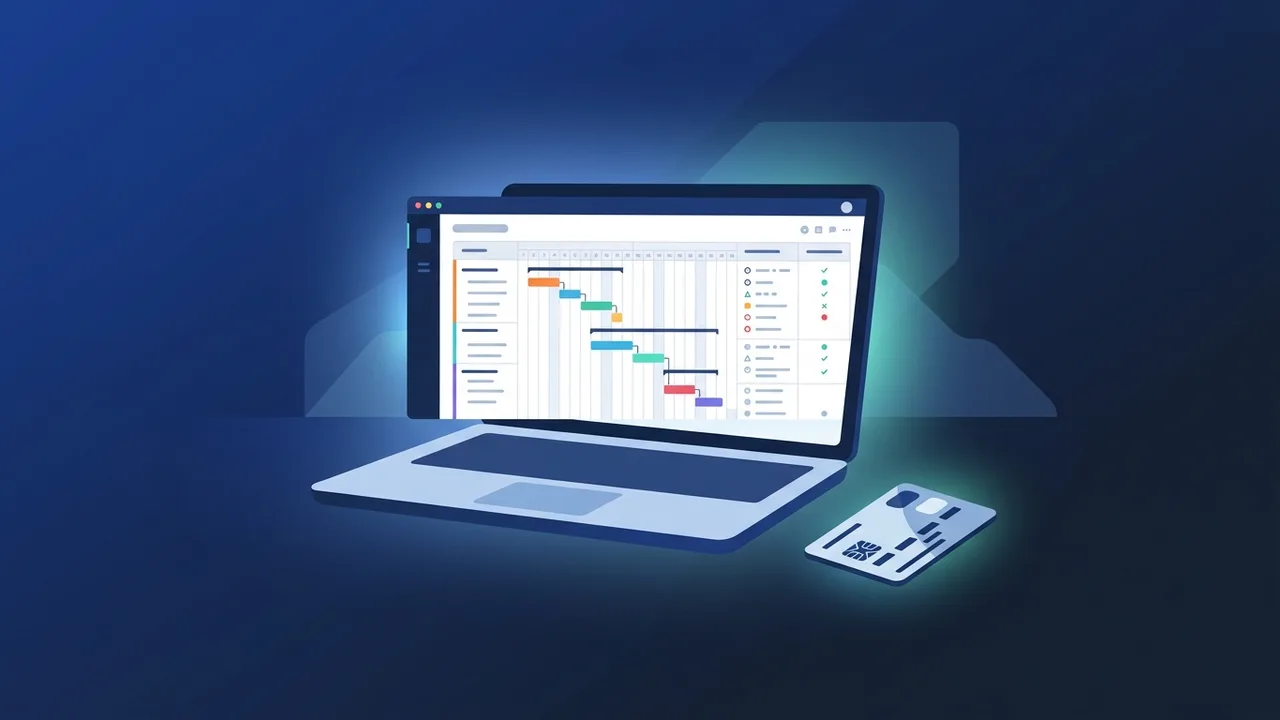
Overview of MS Project Pro 2024 Lifetime 3 pcs
In today's highly competitive business landscape in Saudi Arabia, efficient project management is a key determinant of organizational success. For companies and individual professionals alike, the right tools can make all the difference. One of the most powerful and reliable software options available is MS Project Pro 2024 Lifetime 3 pcs. Providing advanced scheduling, resource management, and budgeting features, this licensing option allows activation on up to three computers. In this guide, we will examine the most common technical problems users encounter and offer practical solutions to ensure a smooth workflow.
Key Features
The feature set of MS Project Pro 2024 Lifetime 3 pcs is designed to support deep and analytical project planning:
- Advanced Gantt Charts and Scheduling: Visually connect tasks with ease. The software allows you to establish dependencies, set constraints, and visualize your Critical Path to guarantee that delay points are discovered and resolved immediately.
- Comprehensive Resource Leveling: Track team workloads, raw materials, and administrative costs. With built-in resource-leveling algorithms, MS Project prevents employee burnout and ensures that project resources are allocated rationally.
- Real-Time Advanced Reporting: Generate interactive dashboards such as Burn-down charts and financial status summaries. These built-in reports offer Saudi executives and project leaders immediate insights into progress and budget health without needing complex external tools.
- Cost-Effective 3-PC Licensing: Having a lifetime license that permits up to three devices lets small business owners and freelancers easily manage their operations. You can run the program simultaneously on your office workstation, on-site laptop, and home PC without purchasing extra licenses.
- Ecosystem Compatibility: It works natively with Excel, PowerPoint, and SharePoint. This allows for seamless importing of legacy task sheets and rapid exporting of slides for corporate meetings.
How to Use
Setting up and getting the most out of MS Project Pro 2024 Lifetime 3 pcs requires following correct implementation procedures:
Installation and Activation Steps:
- Always download the genuine setup file from the official Microsoft portal or through the authorized link provided by your trusted software dealer.
- Run the setup wizard on your PC. Ensure your machine runs Windows 10 or Windows 11 for proper compatibility.
- Launch the software and input your 25-character product key to lock in the lifetime status.
- Repeat the process on your other two devices using the identical license key.
Common Setup Errors and Solutions
1. Prior Version Overlap: Attempting to install the 2024 version when a previous version (like 2019 or 2021) is present can cause installation freezes. To fix this, use the official Microsoft Support and Recovery Assistant to fully purge old Office or Project remnants, reboot, and try installing again.
2. Activation Error Codes (e.g., 0xC004C003): This usually signals that the key has exceeded its maximum 3-device limit or that there is an issue syncing with Microsoft’s activation servers. Ensure your internet connection is stable, verify you haven't installed it on a fourth machine, or reach out to your provider's technical support to reset the key's activation state.
3. Regional Formatting & Currency Issues: Some professionals in KSA face issues with date display (Gregorian vs. Hijri) or currency symbols. To fix this, navigate to File > Options > Display inside Project and change the currency code to SAR (Saudi Riyal). Also, adjust your Windows Regional settings to match your preferred date format to prevent schedule miscalculations.
Common Questions
Can I move the license to a new computer if one of my 3 PCs fails?
Yes, you can transfer the license. However, you must first uninstall and deactivate the license on the old device to free up one of the three active slots before installing it on the new machine.
Does this product require an active internet connection to function?
No, the lifetime license operates offline once successfully activated. You only need an active internet connection for the initial setup, product activation, and when downloading periodic security patches.
Can I collaborate online with my team using this version?
Yes, you can link your projects with cloud solutions such as Microsoft OneDrive or SharePoint, making sharing and real-time project updates very straightforward.
What are the minimum system requirements for MS Project Pro 2024?
The program requires Windows 10 or Windows 11, a 1.6 GHz or faster dual-core processor, a minimum of 4 GB RAM, and at least 4 GB of available hard disk space.
Important Tips
To secure your database and maintain optimal performance of MS Project Pro 2024 Lifetime 3 pcs, follow these essential tips:
- Avoid Cracked Tools: Utilizing activation cracks or keygens exposes your sensitive business data to malicious software and security breaches. It also blocks critical security updates.
- Secure Your Product Key: Always store your unique product activation key in a secure, digital password manager for quick recovery during system formats.
- Update Your Operating System: Regular Windows Updates ensure that your system drivers and library files remain fully compatible with Project 2024.
- Frequent Project Backups: Set up automated backups of your Project (.mpp) files on cloud storage to safeguard against hardware failure.
Conclusion
Investing in MS Project Pro 2024 Lifetime 3 pcs is a highly efficient way for businesses and project managers in Saudi Arabia to master complex workflows. By following proper installation methods and understanding how to solve simple licensing conflicts, you will enjoy a robust, cost-effective, and fully functional software suite for years to come.
You can get a genuine MS Project Pro 2024 Lifetime 3 pcs license from ABMKeys at a competitive price with instant WhatsApp delivery.
Frequently Asked Questions
Can I move the license to a new computer if one of my 3 PCs fails?
Does this product require an active internet connection to function?
Can I collaborate online with my team using this version?
What are the minimum system requirements for MS Project Pro 2024?
You can get a genuine license from ABMKeys at a competitive price with instant WhatsApp delivery.
Buy Now