
How to Fix Office 2013 Pro Plus Lifetime in Simple Steps
Learn about the most common issues you might encounter with Office 2013 Pro Plus Lifetime and explore practical, effective solutions to activate and run your software smoothly.
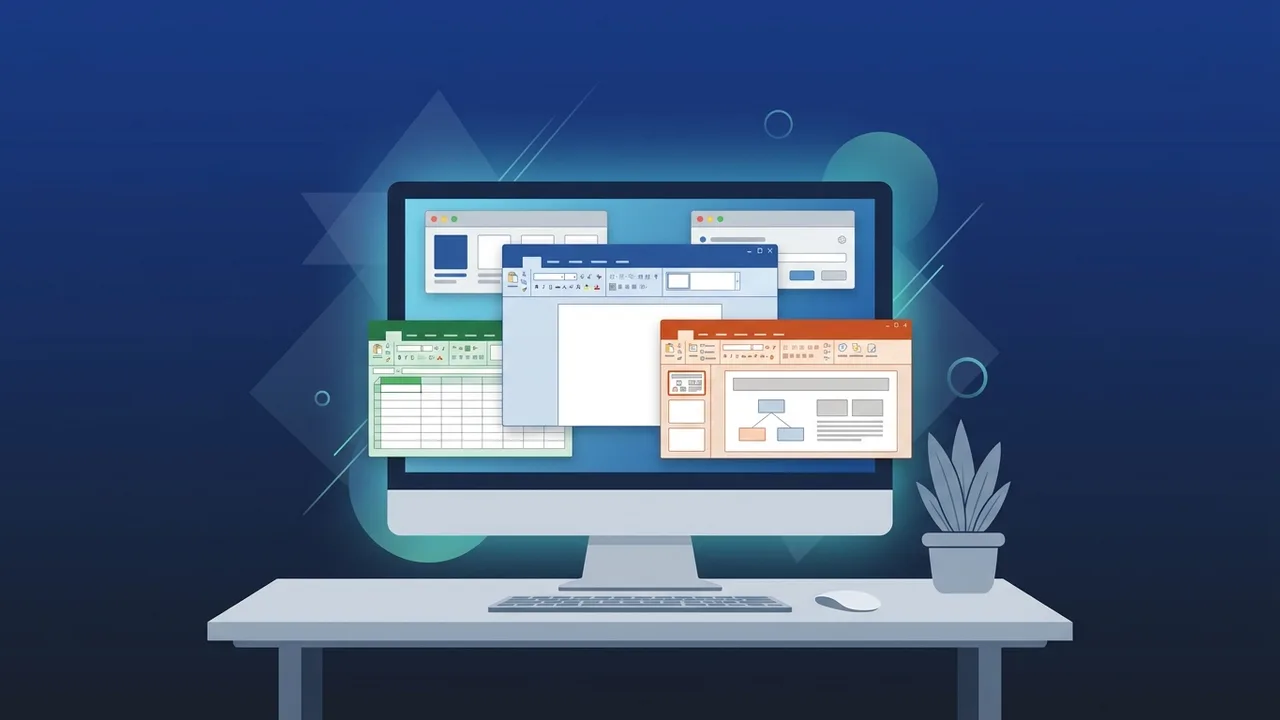
Overview of Office 2013 Pro Plus Lifetime
For many business professionals and students in Saudi Arabia, Office 2013 Pro Plus Lifetime remains a classic, highly trusted productivity suite. Known for its exceptional stability and low resource demands, this suite runs effortlessly on older computers as well as modern setups without causing lags or system slowdowns. The lifetime license model makes it an attractive alternative to modern subscription services, giving you permanent access without recurring monthly fees.
This software pack includes all essential tools required for daily administrative, financial, and educational tasks. However, users occasionally encounter challenges during initial setup, operating system upgrades, or verification procedures. This guide offers straightforward, technical solutions to these common glitches, ensuring that your work environment remains productive and hassle-free.
Key Features
Choosing Office 2013 Pro Plus Lifetime brings a range of reliable benefits designed to streamline productivity and data management:
- Complete App Ecosystem: Get full access to high-performance applications including Word, Excel, PowerPoint, Outlook, Publisher, and Access for heavy databases.
- No Expiration Date: Enjoy the software indefinitely with a single one-time purchase. No subscription stress or sudden service interruptions.
- Optimized Resource Management: It is remarkably lightweight, enabling fast load times even on computers with limited RAM or slower processors.
- Touch-Friendly Interface: Includes a dedicated reading mode and layout options optimized for touch-based screens, hybrid laptops, and tablets.
- PDF Integration: Open, view, and directly edit PDF files within Word without needing separate conversion software, saving valuable time.
How to Use
To set up and run Office 2013 Pro Plus Lifetime correctly without triggering activation errors, follow these simple installation steps:
Step 1: Clean Up Older Versions
Before initiating your new installation, uninstall any pre-existing or trial versions of other office suites from your system. Leaving old setup files behind can create software conflicts and trigger license verification errors later.
Step 2: Download and Install the Official Files
Download the official ISO file or installation package. Double-click the downloaded file to open the setup wizard, and follow the basic on-screen instructions. Allow the installer to configure the applications on your hard drive.
Step 3: Enter Your Lifetime Product Key
Open any application, such as PowerPoint or Word. When prompted by the activation wizard, enter your genuine 25-character product key. Follow the on-screen prompts to register your license permanently over the internet.
Common Questions
How to Fix Activation Error 0x80072F8F?
This error is typically caused by a mismatch between your computer's system clock and the Microsoft activation servers. To fix this, open your Windows settings, verify that your date, time, and time zone are set to adjust automatically, restart your PC, and run the activation process again.
Why does the application freeze or crash?
If your apps freeze during startup, third-party add-ins might be causing a system conflict. You can identify the culprit by launching the app in Safe Mode (hold the Ctrl key while clicking the app icon). Go to the Options menu, select Add-ins, and temporarily disable any external plugins.
What does a "Product Unlicensed" warning mean?
This message appears when the local license file fails validation checks or if you are using an unofficial, blacklisted activation crack. The only reliable solution is to replace the faulty key with an authentic Office 2013 Pro Plus Lifetime retail product key to restore standard operations immediately.
Important Tips
To keep your system secure and maximize the life of your software license, follow these industry-best practices:
- Steer Clear of Software Cracks: Using cracks or activators exposes your computer to dangerous ransomware and spyware. Authentic licenses guarantee that your business records and financial information remain secure.
- Keep Your Operating System Updated: Regularly installing Windows security updates ensures that your legacy software operates smoothly without compatibility issues.
- Secure Your Licensing Keys: Store your original activation keys in a secure backup drive or email folder. This ensures you can reactivate your software easily if you need to reinstall Windows or upgrade your storage drive.
- Enable AutoRecover Tools: Configure the built-in auto-save and AutoRecover settings within Word and Excel to prevent sudden data loss during unexpected power surges or system shut-offs.
Conclusion
Using genuine software is crucial for avoiding data breaches and maintaining daily work efficiency. Troubleshooting Office 2013 Pro Plus Lifetime using genuine, authorized methods guarantees stability, security, and consistent performance over the years, making it a valuable asset for both business and personal administrative tasks.
You can get a genuine Office 2013 Pro Plus Lifetime license from ABMKeys at a competitive price with instant WhatsApp delivery.
Frequently Asked Questions
What causes the "Product Unlicensed" warning in Office 2013 Pro Plus Lifetime?
How do I start Office 2013 applications in Safe Mode to fix freezing issues?
Is Office 2013 Pro Plus Lifetime compatible with Windows 11?
How do I fix the activation error code 0x80072F8F?
You can get a genuine license from ABMKeys at a competitive price with instant WhatsApp delivery.
Buy Now