
How to Choose Windows 8.1 Pro Lifetime? Tips Before You Buy
A dedicated buying guide to help you make the right decision when choosing Windows 8.1 Pro Lifetime. Learn about its features, requirements, and secure activation tips.
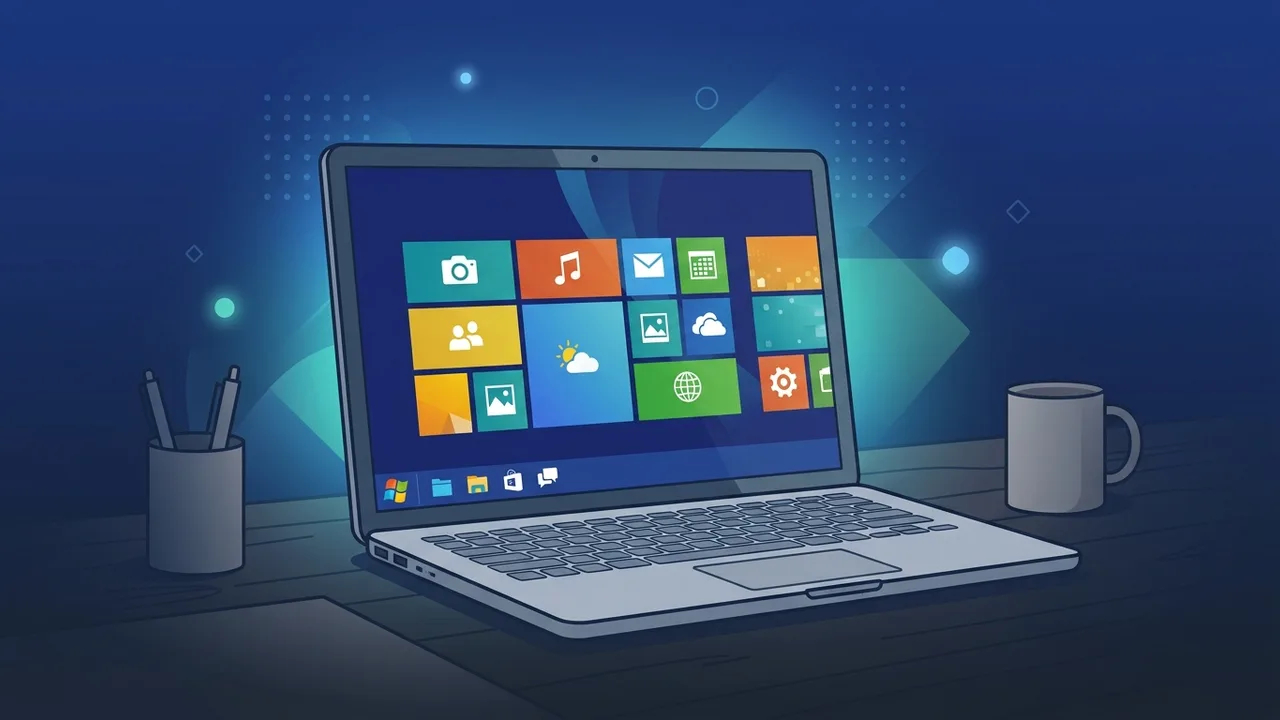
Overview of Windows 8.1 Pro Lifetime
The landscape of computing operating systems has evolved rapidly, yet there remains a steady demand for classic systems recognized for their exceptional stability and lightweight resource consumption. Among these, Windows 8.1 Pro Lifetime stands out as an incredibly practical and cost-effective solution. Released to refine and resolve the user interface issues of its predecessor, it features a unique blend of modern design and the highly reliable traditional desktop experience.
This pro edition is specifically built to cater to professionals, developers, and businesses that value a highly optimized operating system without wanting to compromise on enterprise-grade security tools. For many users, choosing a lifetime activation license is a smart, long-term investment that maximizes the capabilities of existing computers and legacy business hardware with minimal operational overhead.
Key Features
Opting for Windows 8.1 Pro Lifetime equips you with a comprehensive suite of advanced functionalities designed to boost security and productivity compared to standard domestic editions. Below are the key features of this professional operating system:
- BitLocker Data Encryption: This robust security utility allows you to encrypt your entire storage drives, protecting confidential customer information and corporate assets against unauthorized access in the event of device loss or theft.
- Remote Desktop Connection: Facilitates safe, seamless remote access to your primary office workstation from any distant location, which is a crucial capability for modern flexible work environments.
- Domain Join Capability: Enables effortless connections to corporate server networks, allowing IT administrators to manage multiple devices and apply security protocols from a single centralized console.
- Virtualization via Hyper-V: Built-in virtualization tools allow software developers to run multiple guest operating systems simultaneously on a single computer without impacting host performance.
- Highly Efficient Performance: Features lightning-fast startup times and minimal memory usage, making it perform exceptionally well even on computers with modest hardware specifications.
How to Use
Setting up and activating your Windows 8.1 Pro Lifetime operating system is a straightforward process that requires no specialized technical background. Follow these essential steps for a smooth configuration:
- Download the Installation Media: First, secure a copy of the official ISO file directly from the official Microsoft portal to ensure your operating system files are clean, authentic, and unmodified.
- Create a Bootable USB Flash Drive: Use a trusted utility to burn the downloaded ISO file onto a portable flash drive, setting it up as a bootable installer.
- Perform a Clean Installation: Restart your computer, select the bootable flash drive from the boot menu, and follow the simple on-screen installation prompts to set up a fresh copy of the system.
- Activate Your License: Once the installation is complete, go to the Control Panel, locate the Activation settings, and enter your original product key. The system will verify the key online and secure your permanent lifetime status immediately.
Common Questions
Users looking for operating systems often have several inquiries when planning to purchase a lifetime license key. Most questions focus on security update availability, compatibility with modern productivity applications, and the major differences between verified licenses and cracked activation tools.
It is crucial to understand that securing a genuine lifetime license protects you from potential software locks and dangerous malware exploits commonly associated with unauthorized activation software. It ensures that you receive crucial security patches and maintain a stable, compliant system without the worry of unexpected license expiration.
Important Tips
Before proceeding with your purchase and setting up Windows 8.1 Pro Lifetime, consider these professional recommendations to guarantee a completely secure and optimized computer setup:
- Avoid Cracked Activation Tools: Using illegal software cracks to activate your system leaves your system open to severe malware and spyware threats while rendering the operating system highly unstable.
- Check Hardware System Requirements: Ensure your machine meets the necessary hardware specifications: a minimum processor speed of 1 GHz, at least 2 GB of RAM for 64-bit systems, and 20 GB of free hard drive space.
- Purchase from Verified Distributors: Always buy your product licenses from trusted sources that provide authentic, valid keys backed by dedicated technical support to assist you during the activation process.
- Always Perform a Data Backup: Prior to installing any new operating system, secure all your important local files and documents on an external hard drive to prevent accidental data loss.
Conclusion
Ultimately, this operating system is an outstanding, highly economical alternative for individuals and organizations that prioritize stable performance and lightweight system footprints. By selecting a genuine license and adhering to proper setup practices, you safeguard your computer and enjoy a seamless, highly reliable productivity experience.
You can get a genuine Windows 8.1 Pro Lifetime license from ABMKeys at a competitive price with instant WhatsApp delivery.
Frequently Asked Questions
Is Windows 8.1 Pro Lifetime suitable for older computers?
What does a lifetime license for Windows 8.1 Pro mean?
Can I upgrade my current system to Windows 8.1 Pro Lifetime?
How do I get support after purchasing the activation key?
You can get a genuine license from ABMKeys at a competitive price with instant WhatsApp delivery.
Buy Now