
How to Choose V Ray 6 for sketchup windows? Tips Before You Buy
A complete buying guide for V Ray 6 for sketchup windows. Discover key features, hardware specifications, and expert tips to purchase your genuine license in Saudi Arabia.
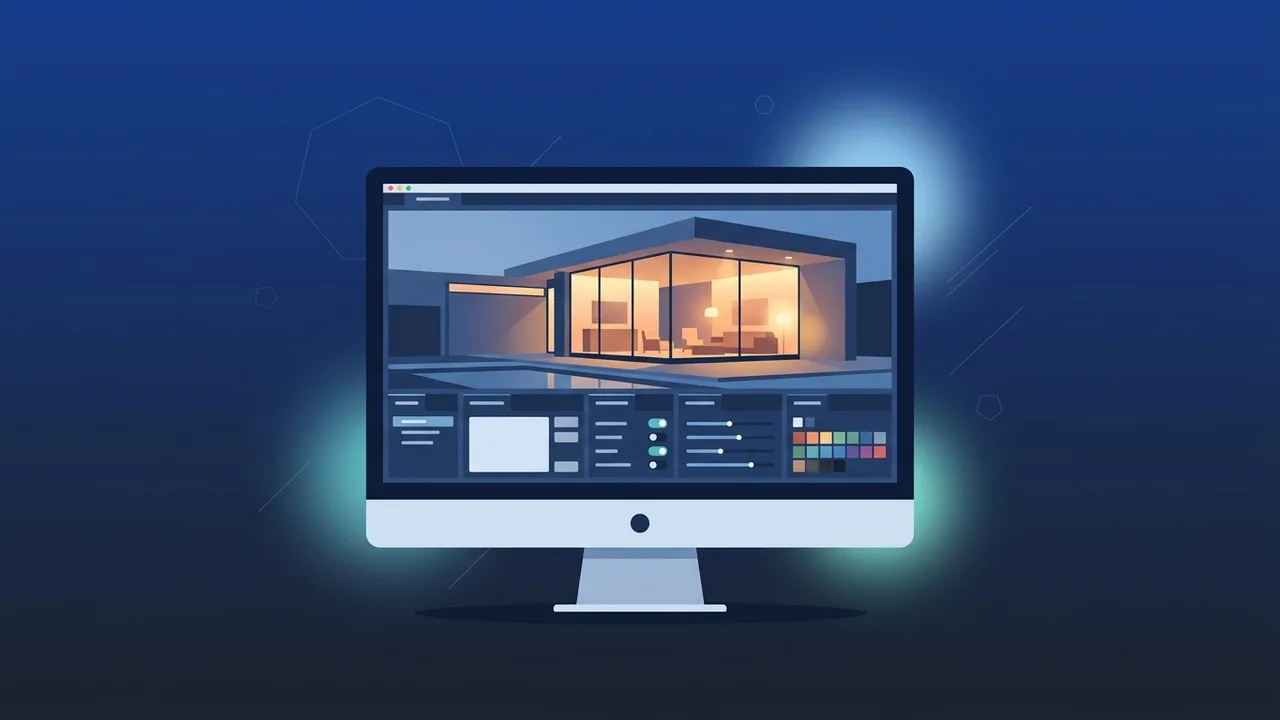
Overview of V Ray 6 for sketchup windows
Architectural visualization and 3D rendering have become essential components of the thriving construction and real estate market in Saudi Arabia. To bring your designs to life with photorealistic detail, choosing the right rendering engine is vital. In this guide, we will explore everything you need to know about V Ray 6 for sketchup windows to help you make an informed decision for your projects.
This industry-standard rendering software is widely preferred by architects, interior designers, and engineering firms across the region. Built specifically to work inside the SketchUp environment on Windows, it eliminates the need to export scenes to external tools, maintaining a fast and seamless workflow. Whether you are presenting a residential villa or a massive commercial development, it delivers outstanding realistic visuals that effectively communicate your design intent.
Key Features
The latest version of V Ray 6 for sketchup windows introduces ground-breaking tools that significantly streamline the visualization process. Here are the most prominent features you should consider:
- Chaos Scatter: This powerful tool enables you to populate your scenes with millions of objects like trees, grass, rocks, or cars without bloating the SketchUp file or consuming excessive system memory. It is perfect for large-scale landscaping projects.
- V-Ray Enmesh: Easily cover surfaces with repeating 3D patterns to create complex textures like chain-link fences, fabrics, or grids. This geometry-based approach is incredibly memory efficient compared to traditional modeling.
- Procedural Clouds: Add dynamic, customizable clouds to your sky with a few clicks. You can customize cloud density, height, and wind speed, allowing for realistic environmental lighting that matches the sun position perfectly.
- V-Ray Decal: Place stickers, labels, dirt, or cracks onto any surface at any angle without needing to modify the underlying material or deal with complicated UV mapping.
- Real-time Visualization with V-Ray Vision: Experience immediate feedback as you build your model. This real-time viewport viewer makes it simple to test lighting and materials on the fly, saving hours of render setup.
How to Use
Getting started with V Ray 6 for sketchup windows is highly intuitive, thanks to its deep integration. Here is a typical workflow to achieve professional-grade results on your Windows PC:
Step 1: Installation and Activation
Once you acquire your genuine license, run the installation package for Windows. The setup wizard automatically detects your SketchUp installation and integrates the toolbar directly into your workspace.
Step 2: Managing Assets
Open the Asset Editor, which serves as your control center. Here, you can easily manage, edit, and create materials, configure artificial lights or natural sun settings, and adjust the output resolution.
Step 3: Interactive Rendering
Use the Interactive Render mode during your design phase. As you rotate the camera, add elements, or change materials, the preview window updates instantly, allowing you to fine-tune the scene effortlessly.
Step 4: Production Render and Post-Processing
When you are satisfied with the scene, trigger the final production render. Once finished, use the built-in V-Ray Frame Buffer to tweak exposure, balance colors, and apply depth effects without ever opening an external photo editor.
Common Questions
Many professionals in the Saudi market look for answers to specific questions before choosing their rendering software. Below are some of the most frequent topics discussed:
Does it require a high-end graphics card? While the software supports CPU rendering, having a compatible NVIDIA GPU (RTX series recommended) dramatically accelerates the rendering process, saving you significant production time.
Can I upgrade my older projects to V-Ray 6? Yes, older files created in previous versions are backward-compatible. When opened in the new version, the software will automatically convert and optimize the settings for the new engine.
Important Tips
To ensure a smooth, worry-free professional experience, consider the following expert tips:
- Keep GPU Drivers Updated: Always ensure you are running the latest studio drivers for your graphics card to guarantee stability and prevent any unexpected crashes during heavy rendering tasks.
- Leverage the Chaos Cosmos Library: Take full advantage of the vast library of free, high-quality, render-ready 3D models and materials to accelerate your design workflow.
- Avoid Cracked Software: Unlicensed software can contain malware, cause severe stability issues, and put your sensitive client data at risk. Using genuine licenses ensures reliable support and security.
- Optimize Geometry and Textures: Even though the software is highly efficient, optimizing your SketchUp models and using appropriate texture resolutions will always yield faster render times.
Conclusion
Investing in this premium rendering tool is one of the best decisions an architect or designer in Saudi Arabia can make. It offers the perfect blend of speed, photorealism, and ease of use on the Windows platform, empowering you to win client approvals and complete projects faster than ever.
You can get a genuine V Ray 6 for sketchup windows license from ABMKeys at a competitive price with instant WhatsApp delivery.
Frequently Asked Questions
What are the system requirements for running the software on Windows?
Is this version compatible with all SketchUp releases?
What is the difference between CPU and GPU rendering?
How can I ensure I get a genuine and secure license?
You can get a genuine license from ABMKeys at a competitive price with instant WhatsApp delivery.
Buy Now