
Filmora 12 MAC Lifetime Head-to-Head — Which Fits You?
A comprehensive comparison of the Filmora 12 MAC Lifetime license, exploring its features on macOS, usage steps, and perpetual license benefits to help you make the right choice.
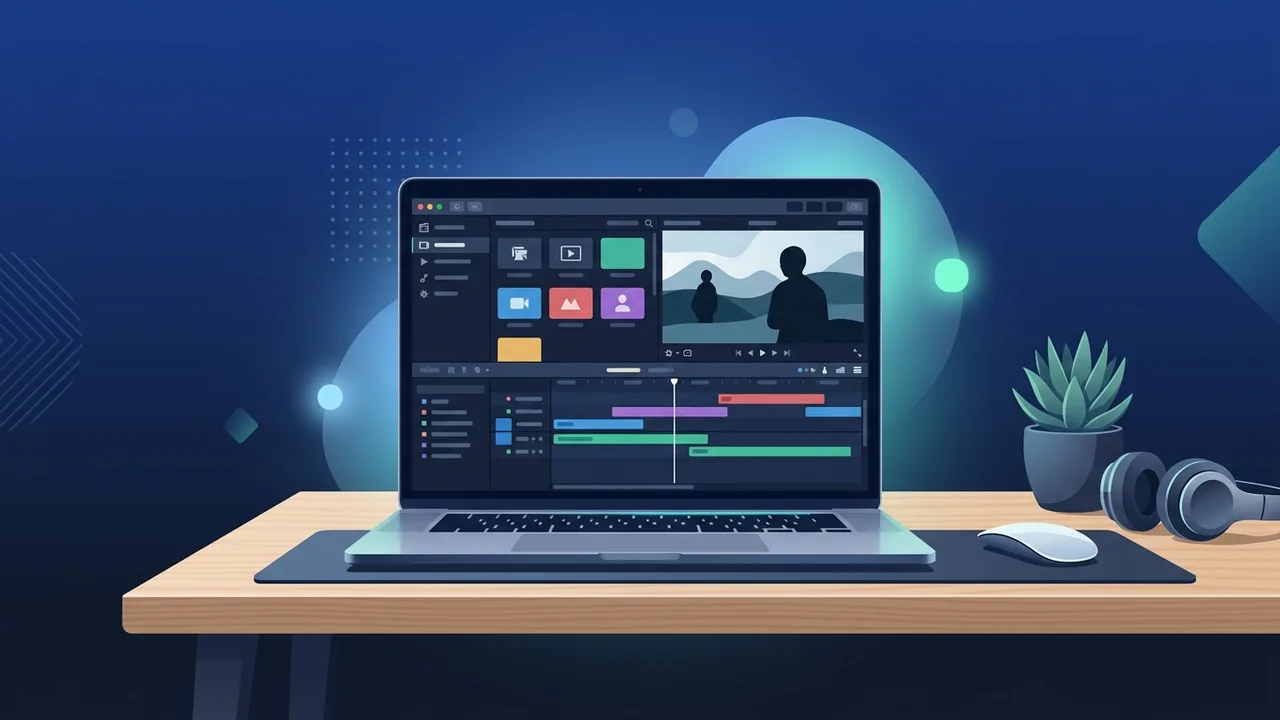
Many content creators, freelancers, and businesses in Saudi Arabia are constantly searching for video editing tools that offer a perfect balance between professional capabilities and ease of use. The Filmora 12 MAC Lifetime license stands out as a premier choice, bridging the gap between basic editors and complex, hard-to-learn software. When evaluating video editing software, users often weigh the pros and cons of perpetual licenses against recurring subscription models. In this neutral and comprehensive comparison, we will examine the actual value, features, and workflow of this edition to help you make the best decision for your creative or corporate video production needs.
Overview of Filmora 12 MAC Lifetime
The Filmora 12 MAC Lifetime license provides a cost-effective solution for editors who want to avoid the cumulative expenses of monthly or annual subscriptions. Investing once in a lifetime license ensures you have uninterrupted access to all the features and capabilities of version 12 on your macOS system. This approach is highly favored by startups and independent professionals in the Saudi market who require strict budget control while maintaining high-quality media outputs.
Specifically optimized for the Mac ecosystem, this software ensures that memory usage, rendering processes, and file management are handled efficiently. Unlike online-only subscription services, a lifetime license gives you long-term stability and the confidence that your primary editing tool will remain active and fully functional on your machine without any surprise billing cycles or sudden service interruptions.
Key Features
The Filmora 12 MAC Lifetime edition brings a host of powerful enhancements designed to streamline your editing process and elevate the visual quality of your projects:
- Native Apple Silicon Optimization: Built to run smoothly on Apple M1, M2, and M3 chips, resulting in rapid timeline rendering, faster exports, and minimal battery drain on MacBooks.
- Advanced Audio Editing Tools: Features like audio ducking, auto-synchronization, and smart denoise help you achieve professional-grade sound design without needing external audio workstation software.
- Smart Cutout and Motion Tracking: Easily isolate objects, remove backgrounds without green screens, and track moving objects to attach text or graphics seamlessly.
- Customizable Workspace Layouts: Allows users to choose from multiple pre-set workspace configurations or build their own layout to maximize screen real estate, especially useful on dual monitors or laptops.
- Extensive Effects and Transitions Library: Access to thousands of high-quality titles, overlays, transitions, and audio tracks that can be applied to your projects using a simple drag-and-drop workflow.
How to Use
Getting started with this software on macOS is a straightforward process designed to let you focus on your creative vision:
First, download the correct macOS installer from the official source. Once the download is complete, drag the application into your macOS Applications folder to complete the installation. Launch the application and enter your original license key to unlock all premium features and remove watermarks from your exports.
Second, create a new project and select your preferred aspect ratio (such as vertical for mobile platforms or widescreen for standard video presentations). Import your source footages, images, and audio assets into the media library. Drag your clips onto the timeline, where you can easily trim, split, adjust speed, and overlay titles or effects with real-time previews.
Third, when your edit is finalized, navigate to the export window. You can export your completed project in a wide variety of formats, customize parameters like resolution and framerate, or use optimized presets for direct upload to your desired video hosting platforms.
Common Questions
Saudi users frequently have questions regarding the lifecycle and upgrade policies of perpetual licenses compared to standard subscriptions:
Does the lifetime license include major version upgrades? The Filmora 12 MAC Lifetime license covers all minor updates and patches within the version 12 cycle (e.g., v12.1 to v12.5), ensuring security, bug fixes, and continuous optimization. Major version transitions (such as upgrading to entirely new future versions) may require a separate upgrade fee depending on the developer's terms, though your version 12 license will remain active forever.
Can the license be transferred to another Mac? Yes, you can deactivate the license on your current Mac device and activate it on a new one. This flexibility is highly beneficial when upgrading your Mac hardware or switching between a desktop iMac and a mobile MacBook Air or Pro.
Important Tips
To ensure optimal performance and a smooth editing workflow on your macOS device, consider the following practical recommendations:
- Enable Hardware Acceleration: Check your preferences menu to ensure GPU acceleration is active, which utilizes your Mac's graphics processing power for faster timeline playback.
- Manage Cache Files Regularly: Video editing can generate large temporary cache files. Clear these periodically from within the software preferences to free up storage space on your solid-state drive (SSD).
- Utilize Keyboard Shortcuts: Familiarize yourself with macOS-specific keyboard shortcuts for standard actions like cutting, playing, and zooming to significantly speed up your editing workflow.
- Optimize Project Backups: Set up the automatic save interval to save every few minutes, preventing any potential loss of creative work due to unexpected power losses or system events.
Conclusion
Opting for the Filmora 12 MAC Lifetime license is a highly cost-effective and reliable choice for content creators and businesses aiming to produce top-tier video content without recurring monthly overheads. With its user-friendly design, rich feature set, and solid performance on Mac systems, it serves as an excellent investment for sustainable, creative video production.
You can get a genuine Filmora 12 MAC Lifetime license from ABMKeys at a competitive price with instant WhatsApp delivery.
Frequently Asked Questions
Does the Filmora 12 MAC Lifetime license also work on Windows?
Does the software require a constant internet connection to use?
Does the Lifetime license include all cloud-based assets for free?
What are the minimum system requirements to run the software smoothly on Mac?
You can get a genuine license from ABMKeys at a competitive price with instant WhatsApp delivery.
Buy Now