
Expert Tips to Choose Office 2024 Home Windows Buying Guide
Looking for a lifetime license for your office suite? Read our guide on how to choose Office 2024 Home Windows, highlighting key features, setup, and crucial buying tips.
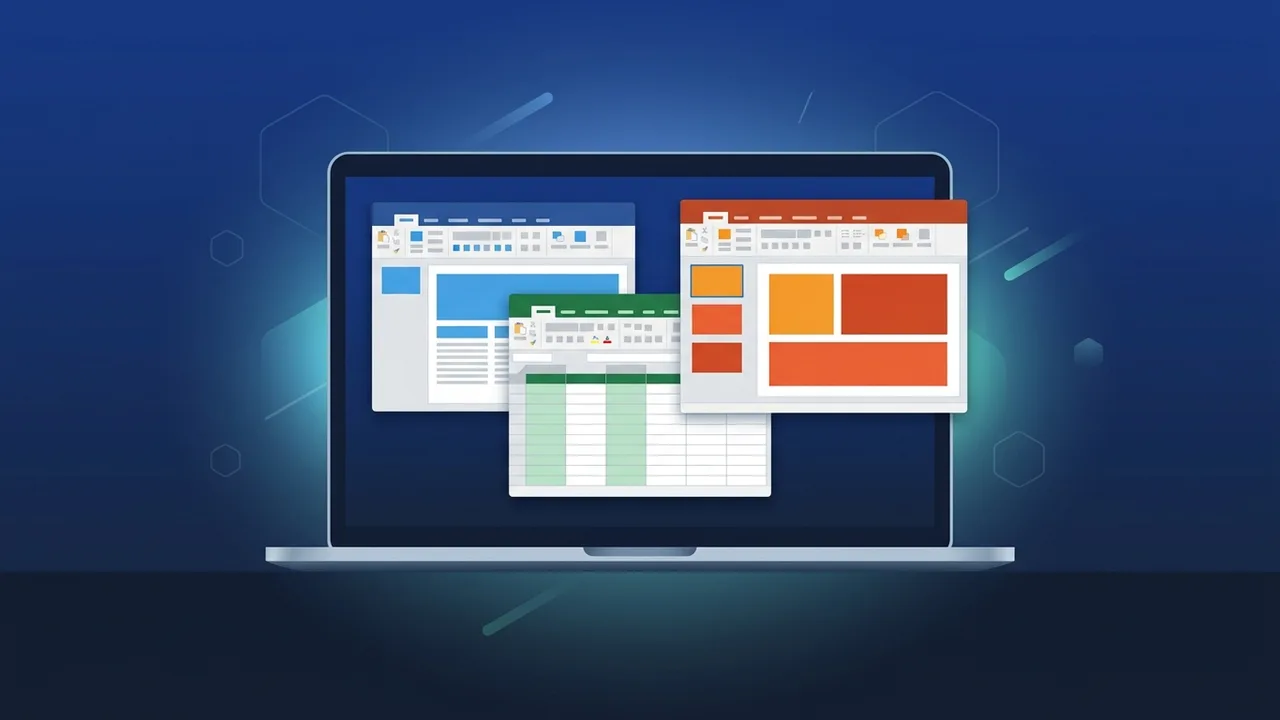
Overview of Office 2024 Home Windows
The Office 2024 Home Windows edition is the newest release from Microsoft, designed specifically for home users, students, and startups looking for essential office utilities on Windows devices. Unlike the cloud-based subscription models, this package offers a perpetual license, meaning a single payment guarantees lifetime ownership of the classic applications with no expiration date.
This edition features the core applications that form the backbone of modern document creation, data management, and presentations: Microsoft Word for processing texts, Microsoft Excel for analyzing and organizing spreadsheets, and Microsoft PowerPoint for designing slideshows. It is fully optimized to run smoothly on both Windows 10 and Windows 11 operating systems.
Key Features
Before selecting Office 2024 Home Windows, it is vital to understand the technological upgrades and UI enhancements integrated into this edition compared to legacy versions like Office 2021 or 2019. Here are the standout features:
- Enhanced Speed and Responsiveness: Performance optimizations ensure that even the largest spreadsheets and media-heavy presentations load quickly and run without lag.
- Modern User Interface: The overall visual design has been refined to align with the fluent look of Windows 11, including smoother transitions, rounded window corners, and an improved dark mode to reduce eye strain during late-night projects.
- Advanced Data Tools in Excel: Excel 2024 introduces new array formulas and text functions, making it easier for local entrepreneurs and students to track records, manage budgets, and visualize data seamlessly.
- Robust Offline Performance: Because the suite runs locally on your PC, you can edit, save, and review your documents entirely offline, securing your workflow from unexpected internet disconnections.
How to Use
The setup and activation process for Office 2024 Home Windows is intuitive and user-friendly, allowing you to get up and running within a few minutes. Follow these simple steps for a successful installation:
First, link your purchased license key directly to your personal Microsoft account by navigating to the official setup page (setup.office.com). This ensures the perpetual license is securely tied to your identity, facilitating easy recovery or transfer in the future if you ever change your device.
Second, download the official installer through your Microsoft account panel. Run the installation file and follow the on-screen prompts. Once installed, launch any of the programs, sign in with your credentials, and the software will immediately activate automatically.
Common Questions
Many buyers have important questions prior to purchasing. A frequent query is whether this license can be shared across multiple computers. The answer is that this package is strictly licensed for a single PC; those needing software for several machines should acquire separate licenses for each device.
Another common concern is around security updates. While the perpetual version does not receive major future feature updates like those rolled out to cloud subscribers, it does receive full security patches and stability updates from Microsoft, ensuring your system remains secure and dependable over the long term.
Important Tips
To ensure a smooth buying experience and maximize your return on investment when purchasing Office 2024 Home Windows, consider these essential expert tips:
- Confirm OS Requirements: Double-check that your computer is running Windows 10 or Windows 11. Older versions like Windows 7 or 8 are not compatible with this release.
- Steer Clear of Pirated Activators: Using cracks or third-party patchers puts your computer at risk of malware infections and data theft, while also blocking crucial official updates.
- Define Your Core Toolset: If you only need Word, Excel, and PowerPoint, this version is the most cost-effective solution, saving you money by omitting tools you do not use.
- Keep Credentials Safe: Keep a secure record of the Microsoft account used during activation, as you will need it to redownload the software if your system is formatted.
Conclusion
Investing in genuine software is a fundamental step toward guaranteeing data security and achieving uninterrupted productivity. This software delivers the perfect balance of modern functionality and affordability, making it the ideal choice for individuals and small businesses seeking a stable, subscription-free office experience.
You can get a genuine Office 2024 Home Windows license from ABMKeys at a competitive price with instant WhatsApp delivery.
Frequently Asked Questions
Does Office 2024 Home Windows require a monthly subscription?
Can I run this version on a Mac operating system?
Which applications are included in this package?
Do I need an active internet connection to use the software?
You can get a genuine license from ABMKeys at a competitive price with instant WhatsApp delivery.
Buy Now