
Expert Tips for Choosing Office 2024 Mac Lifetime Buying Guide
An in-depth buying guide to help you choose the right Office 2024 Mac Lifetime license, featuring comparisons with alternatives and step-by-step activation steps.
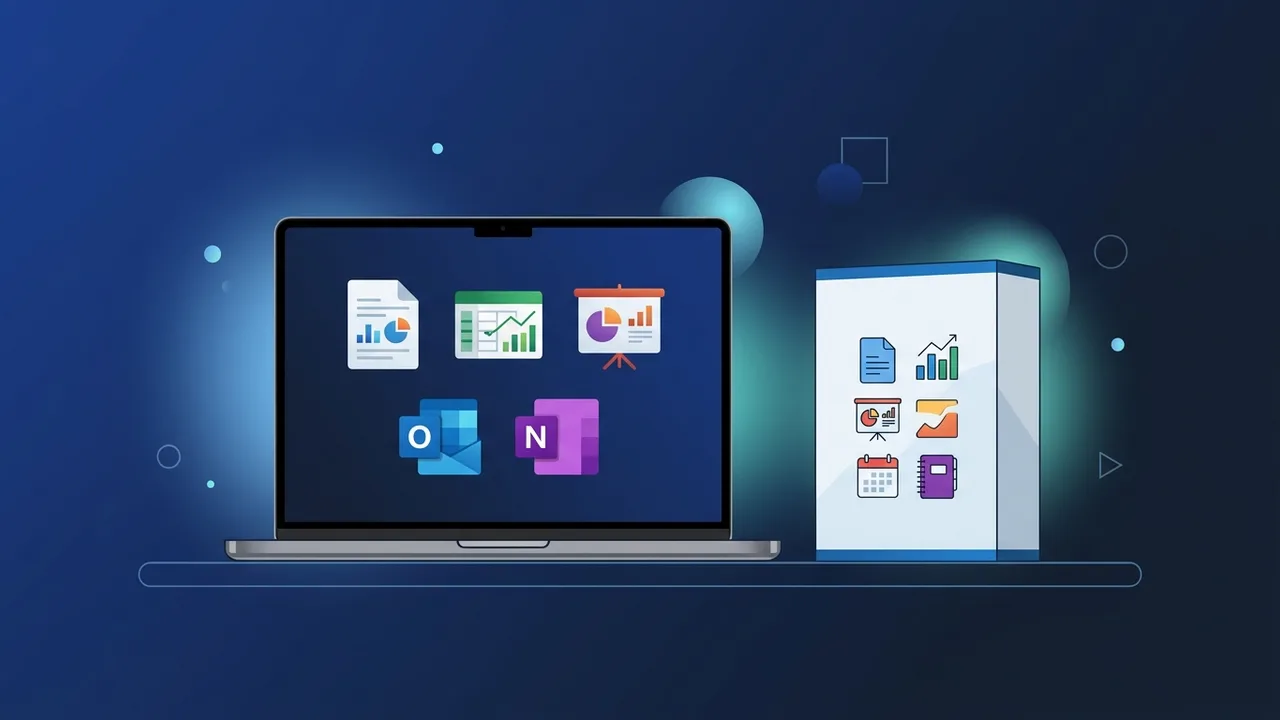
In today's fast-paced digital environment, selecting the right productivity tools is crucial for both individuals and businesses in Saudi Arabia. With Microsoft's release of its latest perpetual suite, the Office 2024 Mac Lifetime license has emerged as a premium solution for users who prefer a single, one-time payment over recurring monthly or annual subscriptions. This guide provides an in-depth, unbiased look to help you make an informed purchasing decision tailored to your specific workflow.
Overview of Office 2024 Mac Lifetime
The Office 2024 Mac Lifetime edition is designed for users seeking financial predictability and operational stability. Unlike subscription models, which operate on a Software-as-a-Service (SaaS) model, a perpetual license gives you lifetime access to essential applications like Word, Excel, PowerPoint, and Outlook without subscription anxiety or unexpected renewal expenses.
To put this in perspective, let us evaluate the alternative productivity suites available on macOS:
- SaaS Subscriptions: While they offer continuous feature updates and cloud storage, the cumulative cost over 3 to 5 years is significantly higher than buying a single perpetual license. For users who do not need extensive cloud storage, a lifetime license is highly economical.
- Apple's Native Office Apps: Fully integrated and free for Mac users, they are highly optimized for Apple hardware. However, they lack advanced database management and face file format compatibility hurdles when collaborating with Windows environments, which dominate the corporate sector in Saudi Arabia.
- Cloud-Based Suites: Powerful collaborative tools, but they require a constant internet connection for smooth operations and lack the offline responsiveness and robust desktop feature set found in native apps.
This places the Office 2024 Mac Lifetime option in a unique sweet spot: offering industry-standard performance, offline capability, and complete cross-platform compatibility with zero ongoing costs.
Key Features
This latest version brings critical, platform-specific upgrades tailored to modern macOS ecosystems:
- Native Apple Silicon Optimization: Built to run natively on M1, M2, and M3 series chips. This architecture-specific build ensures rapid launch times, seamless multi-tasking, and significantly lower battery consumption for MacBook users.
- Modern macOS Interface: The user interface is designed to align with Apple's contemporary aesthetic, providing fluent animations, dark mode support, and high-resolution Retina display assets.
- Advanced Excel Capabilities: Upgraded data visualization tools, faster processing for complex models, and new functions that help Saudi financial analysts and businesses manage localized datasets efficiently.
- PowerPoint Enhancements: New presentation recording capabilities and sophisticated transition effects enable professionals to deliver world-class pitches and corporate reports.
How to Use
Activating and setting up your Office 2024 Mac Lifetime license is a direct process that links directly to your personal or corporate Microsoft account. Follow these streamlined steps to get started:
- Visit the Portal: Navigate to the official Microsoft setup portal (setup.office.com) and log in with your primary Microsoft Account credentials.
- Redeem Your Key: Enter the unique 25-character digital activation key purchased from your provider to bind the license to your Microsoft account.
- Download the Installer: Once validated, download the official installer file (.pkg format) designed specifically for macOS.
- Install and Activate: Launch the downloaded installer and follow the prompt instructions. Open any app, such as Word, and sign in with your Microsoft credentials to finalize the activation for life.
Common Questions
To ensure total clarity before making a purchase, users often look for answers regarding licensing transfers, system updates, and cross-device usage. We have compiled a detailed question-and-answer section below to address these practical aspects and assist in your decision-making process.
Important Tips
Before finalizing your choice to purchase the Office 2024 Mac Lifetime package, consider the following practical recommendations to secure a seamless experience:
- Check OS Compatibility: Microsoft officially supports the current macOS version and the two previous versions. Ensure your system is up to date (Sequoia, Sonoma, or Ventura) to avoid installation issues.
- Secure Your Credentials: Since the lifetime license binds to your Microsoft Account, keep your account credentials safe. You will need them if you purchase a new Mac or reinstall the OS.
- Clean Old Installations: Completely remove any prior Office versions (using dedicated uninstaller tools) to prevent registry conflicts and ensure peak system performance.
- Buy from Trusted Sources: Only source licenses from established retailers who provide instant delivery and official activation guarantees, protecting you from invalid or block-listed keys.
Conclusion
Choosing a perpetual desktop license is a sensible, long-term business decision for professionals, students, and businesses across Saudi Arabia. By balancing cost-effectiveness, high compatibility, and independence from recurring subscriptions, it guarantees that you remain productive and secure. Ensure you meet the system requirements and follow the correct activation path to get the absolute most out of your hardware investment.
You can get a genuine Office 2024 Mac Lifetime license from ABMKeys at a competitive price with instant WhatsApp delivery.
Frequently Asked Questions
Does the Office 2024 Mac Lifetime license really last forever?
Can I transfer the license to another Mac device in the future?
Which Microsoft applications are included in this package?
What are the operating system requirements to run the software?
You can get a genuine license from ABMKeys at a competitive price with instant WhatsApp delivery.
Buy Now