
Excel Templates: The Right Way to Do It
Discover how to download and customize ready-made Excel templates to suit your business needs in the Saudi market. Learn step-by-step to align financial templates with VAT regulations and protect them for team collaboration.
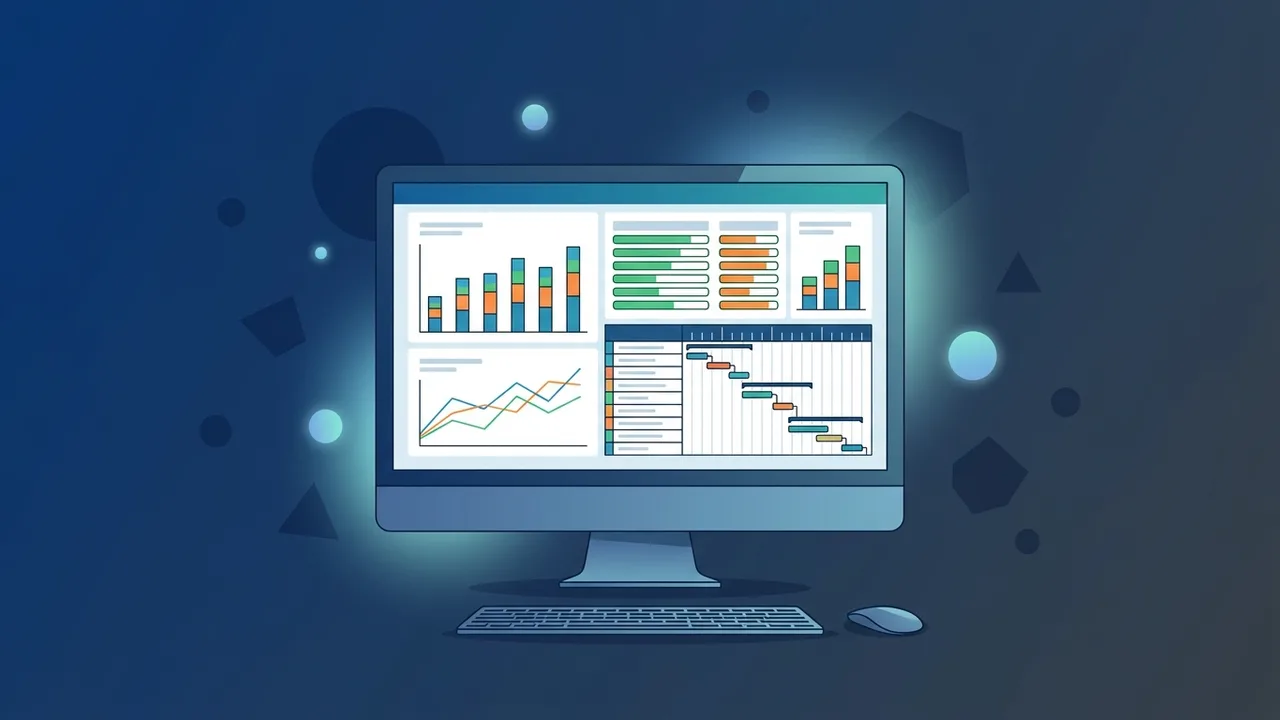
Excel templates are among the most essential tools that help individuals and businesses organize their daily tasks and manage projects with high efficiency. In the dynamic Saudi business environment, which is witnessing rapid digital transformation in line with Saudi Vision 2030, Microsoft Excel stands out as a fundamental element for building micro-systems and tracking financial and operational indicators without requiring massive initial software investments.
What Are Excel Templates and Why Do You Need Them?
Excel templates are pre-designed files containing ready-to-use tables, formulas, and formatting. Instead of starting from scratch to write formulas and format cells, these templates allow you to enter your data directly, instantly displaying updated results and charts.
The primary advantage of using these templates is saving time and effort while reducing human error in complex mathematical equations. For Small and Medium Enterprises (SMEs) in the Kingdom of Saudi Arabia, these ready-made sheets provide exceptional flexibility to organize administrative and financial operations with professional accuracy and speed.
Step-by-Step: How to Access and Download Free Excel Templates
To acquire templates that fit your specific business needs, follow these steps to search for and download certified models:
- Open Microsoft Excel on your computer.
- Select the "New" tab from the side menu.
- In the search bar at the top, type the type of template you are looking for (e.g., invoice, budget, project).
- A vast library will appear, allowing you to execute a free excel templates download designed by Microsoft experts.
- Click on the desired template, then click "Create" to open the file directly in your workspace for immediate customization.
If you are looking for specialized external options that support Right-to-Left (RTL) layouts, there are many educational platforms providing high-quality arabic excel sheets compatible with local business requirements.
Top Excel Templates for Business and Project Management in the Saudi Market
The Saudi market demands organizational tools that match the growth of projects and local trade. Here are the most recommended models to manage your business operations effectively:
1. Project Management Templates
Using an excel project management template (such as a Gantt Chart) helps you schedule tasks, assign responsibilities, and monitor completion rates, ensuring that teams adhere to strict project timelines.
2. Invoicing and Sales Templates
An excel invoice template arabic is an indispensable tool for retail stores and service businesses to organize billing and track daily sales while incorporating the company logo and customer details.
3. Financial and Bookkeeping Sheets
Utilizing structured excel bookkeeping templates simplifies daily journal entries, tracks accounts payable and receivable, and monitors cash flow and periodic financial statements.
4. Inventory and Warehouse Management
To avoid product shortages or overstocking, a robust excel inventory template provides an excellent way to track incoming and outgoing stock, current inventory levels, and automatically calculate the cost of goods sold.
How to Customize and Edit Excel Templates to Fit Your Corporate Identity
When downloading ready-made excel sheets, you might need to adjust them to align with your brand identity. Learning how to customize excel templates gives you full creative and functional freedom through these actions:
- Modify Colors and Fonts: Apply your brand color palette to tables and headers, choosing clean fonts that display beautifully in both English and Arabic.
- Insert Logos and Contact Info: Add your business logo to the top of the sheets, listing your company name, tax identification number, and contact details in the page header.
- Adjust Currencies and Date Systems: Set the number format to display in Saudi Riyals (SAR) and configure dates to support both Gregorian and Hijri calendars according to your internal policies.
Aligning Financial Excel Templates with VAT and ZATCA Requirements
The Zakat, Tax and Customs Authority (ZATCA) in Saudi Arabia enforces precise standards for invoices and financial reports. To align your Excel sheets with these local tax regulations, implement the following practices:
- Ensure there is a dedicated field for the customer's and supplier's Tax Identification Number (TIN).
- Incorporate automatic calculations for the standard 15% Value Added Tax (VAT) based on taxable sales.
- Format tax invoice templates to clearly separate the taxable amount, VAT rate, and final total, facilitating effortless preparation of periodic tax returns.
Tips for Securing and Protecting Shared Excel Templates Among Teams
When sharing critical worksheets with your team, securing them becomes vital to protect data confidentiality and prevent accidental formula overrides:
- Lock Formula Cells: Protect the worksheet and lock cells containing complex formulas. This prevents team members from modifying or deleting calculations while leaving data input cells open.
- Use Strong Password Protection: Apply password protection to restrict file opening or editing permissions, especially for sheets containing sensitive financial records or client databases.
- Utilize Cloud Collaboration and Backup: Store files on secure cloud platforms to auto-save edits, track revision history, and restore previous versions if unintended modifications occur.
By implementing these steps and best practices, you can turn ordinary spreadsheets into powerful management tools that support informed decision-making and business growth in the Saudi market.
If you need a genuine Office 2021 Pro Plus Lifetime license, you'll find it at ABMKeys at a fair price with instant WhatsApp delivery.
Frequently Asked Questions
How do I enable Right-to-Left (RTL) layout in Excel templates?
Are ready-made Excel templates compliant with ZATCA e-invoicing requirements?
How can I protect formulas from accidental editing by team members?
Where can I find safe and official Excel templates?
You can get a genuine license from ABMKeys at a competitive price with instant WhatsApp delivery.
Buy Now