
Excel Care: The Right Way to Do It
Excel care is a set of structured practices designed to maintain data integrity and ensure the long-term efficiency of your spreadsheet files. This article provides a practical step-by-step guide covering data cleaning, formula protection, backups, and documentation. Follow these steps to get the most out of Excel, whether you are an individual user or part of a larger organisation.
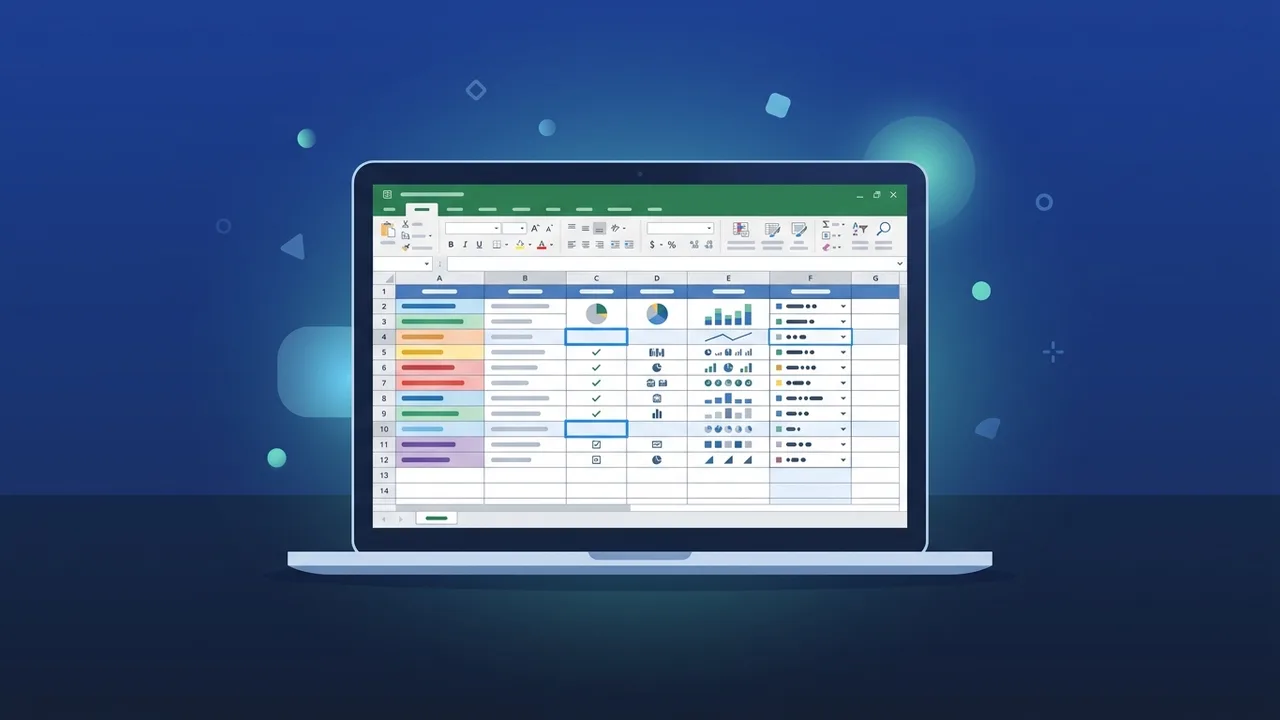
Overview of Excel Care
Excel care is a fundamental concept for anyone who regularly works with Microsoft Excel, whether as an individual user or as part of a corporate team. At its core, excel care refers to the set of structured practices and routine procedures that ensure data integrity, file stability, and the long-term functional health of spreadsheets. As Excel usage continues to expand across government entities and private sector organisations in Saudi Arabia, mastering excel care has become increasingly relevant for professionals at all levels.
Excel care goes well beyond simply saving a file. It encompasses periodic data organisation, cleaning spreadsheets of errors, protecting calculation formulas, and validating entered information. Neglecting these aspects often results in data loss, file corruption, or inaccurate outputs that can negatively affect business decisions and reporting accuracy.
Key Features of Excel Care
Applying excel care principles brings a range of practical benefits for both beginners and experienced users:
- Data Integrity: Excel care ensures that entered data remains accurate and reliable, free from duplication or typographical errors.
- Improved Performance: Well-organised and clean files run faster and consume fewer system resources.
- Easier Collaboration: When spreadsheets follow clear standards, team members can review and edit them without introducing new errors.
- Protection Against Data Loss: Through regular backups and AutoSave settings, excel care minimises the risk of losing critical information.
- Extended File Lifespan: Files that undergo routine maintenance remain usable for longer periods without needing to be rebuilt from scratch.
How to Use Excel Care: A Practical Step-by-Step Guide
The following is a detailed, step-by-step guide for applying excel care to your Excel files:
Step 1: Clean Your Data
Begin by reviewing all cells to remove extra spaces, duplicate values, and unnecessary blank cells. Use the Remove Duplicates tool found under the Data tab, and apply the TRIM function to eliminate leading or trailing spaces in text fields.
Step 2: Format Your Tables Correctly
Ensure that column headers are clear and descriptive, and that data types within each column are consistent — text, numbers, or dates should not be mixed in the same column. Avoid merging cells within the data area, as this complicates filtering and subsequent processing.
Step 3: Validate Your Data
Use the Data Validation feature to prevent incorrect entries in specific cells. For example, you can configure an Age column to accept only numbers between 1 and 100, immediately flagging any out-of-range input.
Step 4: Protect Formulas and Cells
Lock cells that contain important formulas to prevent accidental modification. Navigate to Format Cells, select the Protection tab, enable the Locked option, and then protect the sheet with a password to secure your calculations.
Step 5: Set Up Automatic Backups
Enable the AutoSave feature and designate a backup path — either OneDrive or a separate local drive. For critical files, it is also recommended to perform a manual backup at the end of each working day.
Step 6: Review Formulas and Functions Regularly
Periodically check that your formulas reference the correct ranges, especially after adding new rows or columns. Use the Trace Precedents tool to verify the data sources that each formula depends on, and update references where necessary.
Step 7: Document Your File
Add a dedicated documentation sheet explaining the file's contents, key formulas, and the date of the last update. This allows any collaborator to understand the file quickly without requiring a verbal explanation.
Common Questions About Excel Care
Many users in Saudi Arabia frequently ask questions about excel care. Below are answers to the most common ones:
- Does excel care require additional software? No. Most of its principles can be applied using tools already built into Excel itself.
- How often should file maintenance be performed? Critical files should be reviewed weekly, while less sensitive files can be maintained on a monthly basis.
- Is excel care suitable for personal use? Absolutely. Both individuals managing personal spreadsheets and large organisations handling complex datasets can benefit from it.
- What is the biggest risk of ignoring excel care? The most common consequences are data loss, formula errors, and corrupted files — all of which can be difficult and time-consuming to recover from.
Important Tips for Effective Excel Care
To get the most out of excel care, keep the following practical tips in mind:
- Do not rely on colour alone to differentiate data categories — add a descriptive text column to define each category clearly.
- Avoid storing multiple data types in a single cell, such as combining a name and a phone number in one field.
- Use formatted Tables instead of plain data ranges to simplify filtering and allow for easy expansion as data grows.
- Record every significant change in a dedicated Log Sheet, noting the date and the reason for the modification.
- Test new formulas on sample data before applying them to live datasets to avoid widespread errors.
- Keep a read-only copy of finalised, approved files to prevent accidental overwriting.
Conclusion
Excel care is a comprehensive, practical methodology designed to preserve the quality, continuity, and efficiency of Excel files over time. From cleaning data and protecting formulas to setting up backups and maintaining documentation, each of the seven steps outlined in this guide contributes to building a safer and more professional digital work environment. Whether you are an individual managing personal spreadsheets or an organisation handling large volumes of data, adopting excel care principles will save you significant time and effort in the long run.
If you need a genuine Office 2021 Pro Plus Lifetime license, you'll find it at ABMKeys at a fair price with instant WhatsApp delivery.
Frequently Asked Questions
What does excel care mean and why does it matter?
How often should excel care practices be applied to files?
Does applying excel care require installing any additional software?
What are the most common mistakes that excel care helps avoid?
You can get a genuine license from ABMKeys at a competitive price with instant WhatsApp delivery.
Buy Now