
Download YouTube for PC Windows 10: The Right Way to Do It
Learn how to download YouTube for PC on Windows 10 safely and officially using Progressive Web App (PWA) technology via Chrome and Microsoft Edge without risking malware.
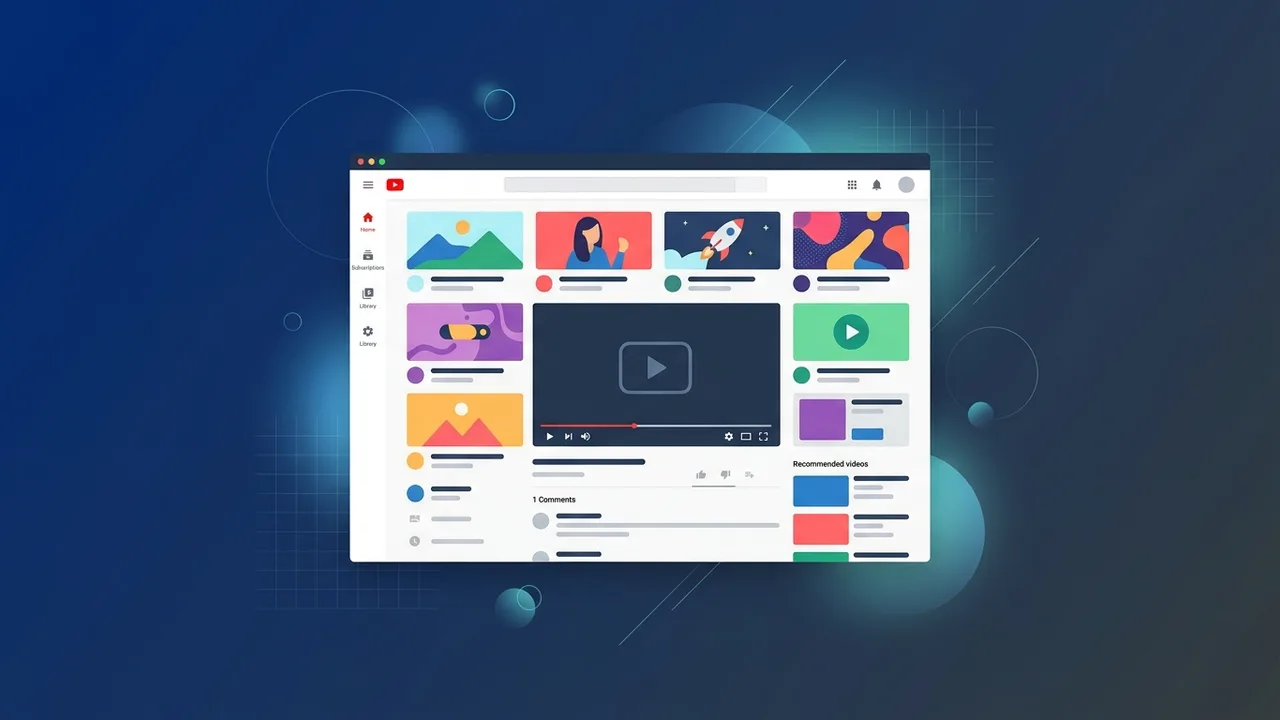
YouTube is indisputably the world's leading video platform, serving as an essential hub for education, entertainment, and professional learning. In Saudi Arabia, where per-capita digital video consumption is among the highest globally, users constantly seek streamlined ways to access their favorite creators. Many individuals and businesses are searching for a secure way to download youtube for pc windows 10 to access content directly from their desktop without opening a standard web browser. This educational guide will walk you through the official, malware-free installation methods to ensure an optimal viewing experience.
How to Download YouTube for PC Windows 10 (The Official Method)
Many desktop users search for a traditional installation file (such as a .exe or .msi file) to set up YouTube on their computers. However, Google does not distribute a classic executable installer for desktop operating systems. Instead, the official and secure method is built on a modern standard called Progressive Web Apps (PWA). This technology allows you to convert the web version of YouTube into a standalone desktop application.
Choosing this PWA approach is the safest option. It helps you completely avoid malicious third-party websites while delivering a highly responsive, clean, and distraction-free interface that behaves exactly like native software, fully integrated into your Windows operating system.
Steps to Install YouTube PWA via Google Chrome
If Google Chrome is your preferred web browser, you can easily configure the platform to run independently. This browser supports direct installation of Progressive Web Apps. Follow these steps to
- Open Google Chrome on your PC and go to the official YouTube homepage.
- Once the page loads completely, look at the right side of the address bar (URL bar) at the top of your screen.
- You will notice a small icon resembling a computer monitor with a downward-facing arrow.
- Click this icon; a prompt will appear asking, "Install app?".
- Click the "Install" button to complete the process.
Once finished, a custom youtube shortcut on desktop windows 10 will be automatically added to your screen. The application will open in a clean, dedicated window without standard browser elements, allowing you to enjoy a distraction-free environment.
How to Run YouTube as a Standalone App Using Microsoft Edge
Since Microsoft Edge is built on the same Chromium engine as Chrome, it offers exceptional compatibility with modern web standards. To run youtube as app windows 10 using Microsoft Edge, follow these steps:
- Launch Microsoft Edge and head to the YouTube website.
- Click on the three horizontal dots (Settings and more menu) in the upper-right corner of the window.
- Hover your cursor over the "Apps" menu option.
- Click on "Install this site as an app" from the context menu.
- Name the application (e.g., "YouTube") and click "Install."
This process creates a dedicated youtube desktop shortcut edge. You can choose to pin this application directly to your Windows taskbar or Start Menu for instant, single-click access whenever you need to watch a tutorial or stream content.
Is There an Official YouTube App in the Microsoft Store?
A common inquiry among PC owners is whether they can acquire the software directly via the microsoft store youtube app. It is critical to note that Google does not offer or maintain an official, native Windows application in the Microsoft Store.
Any software listed under the name of this streaming service inside the store is a third-party wrapper. These unofficial utilities often contain excessive advertising, performance bottlenecks, or security concerns. For a reliable and secure experience, we strongly advise staying away from these unofficial listings and instead installing the official PWA via Chrome or Microsoft Edge to establish a safe youtube desktop app windows 10.
Key Benefits of Using YouTube as a Desktop App on Windows 10
Transitioning from a browser tab to a dedicated desktop app on your operating system provides several performance and productivity advantages:
- Optimized Resource Usage: Standalone web apps require fewer system resources (RAM and CPU overhead) compared to running several heavy tabs in an active browser session.
- Cleaner Layout: Removing address bars, bookmarks, and browser navigation buttons maximizes the screen space devoted to your video content.
- Native System Alerts: You can enable desktop notifications to receive real-time updates when a creator you follow publishes a new video or starts a live stream.
- Better Multitasking: Operating in an isolated window makes it easier to manage the app using standard keyboard commands like Alt+Tab while working on other tasks.
Security Tips: How to Avoid Malware When Searching for YouTube Downloads
Because video streaming is highly popular in Saudi Arabia, cybercriminals often exploit search terms related to desktop software setups. They construct fake download portals distributing malicious programs, adware, or ransomware disguised as media players or offline installers. To ensure a safe youtube download pc, you must follow strict cybersecurity guidelines.
First, never download executable files (such as .exe or .msi) from untrusted blogs or file-sharing websites promising a direct offline installer. Remember that Google does not provide a traditional executable client. Second, rely only on the browser-based PWA installation method explained in this guide. Finally, keeping your Windows 10 operating system updated with the latest security definitions is vital to defending against unauthorized software installations.
If you need a genuine Windows 10 Pro Lifetime license, you'll find it at ABMKeys at a fair price with instant WhatsApp delivery.
Frequently Asked Questions
Is there an official YouTube installation file in .exe format?
How do I create a YouTube shortcut on my Windows 10 desktop?
Can I download videos to watch offline using the PC application?
Is the YouTube Progressive Web App (PWA) free and secure?
You can get a genuine license from ABMKeys at a competitive price with instant WhatsApp delivery.
Buy Now