
Download Windows 11 ISO Direct Link: The Right Way to Do It
Learn how to download windows 11 iso direct link safely and securely from official Microsoft servers. This practical guide covers creating bootable USB media and performing a clean system installation.
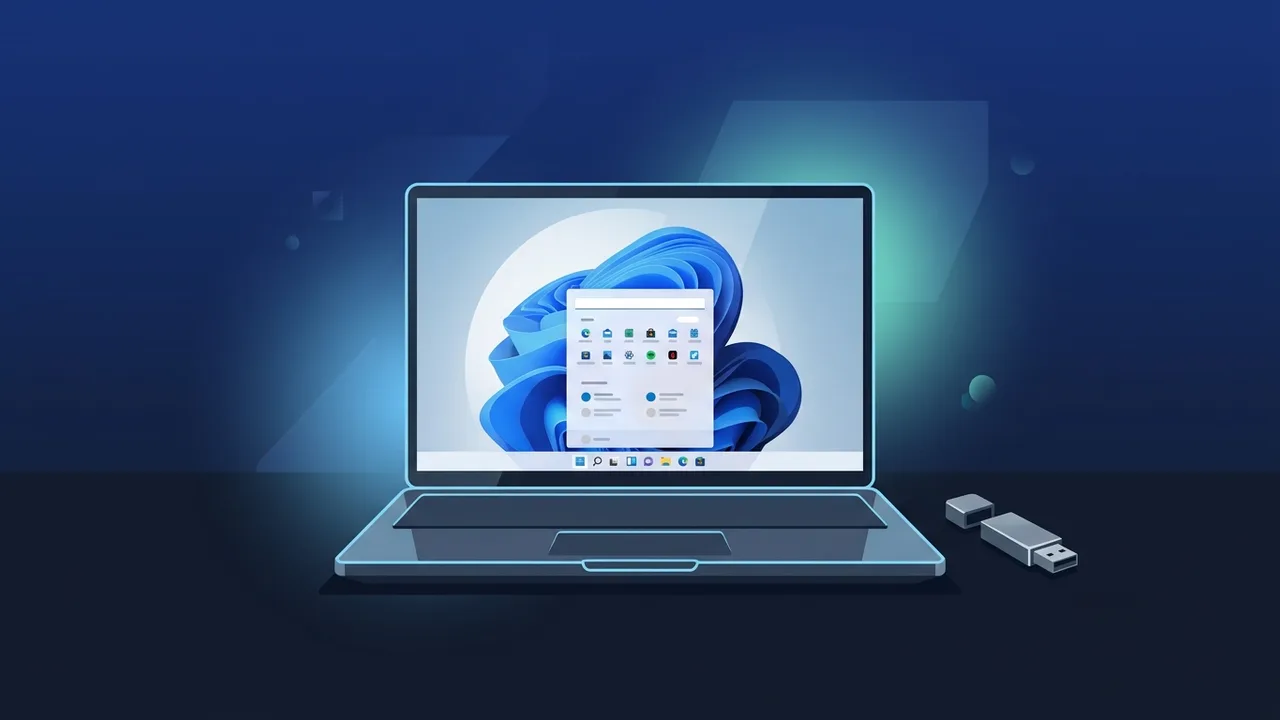
Overview of download windows 11 iso direct link
Upgrading to the latest operating system from Microsoft is a crucial step for both individuals and businesses in Saudi Arabia who seek maximum productivity, high performance, and top-tier cyber security. To ensure a smooth installation process, many users search for a secure way to download windows 11 iso direct link. Obtaining the official ISO disk image directly from Microsoft's servers is the absolute best way to guarantee that you are installing a genuine, clean, and unaltered version of the operating system, completely free of malicious third-party modifications.
Choosing to download windows 11 iso direct link provides unmatched flexibility. It allows IT administrators and advanced users to save the installation file locally, burn it to a bootable USB drive, and deploy it across multiple computers without wasting valuable internet bandwidth on repetitive downloads. Whether you are running an office in Riyadh or setting up a high-end gaming PC in Jeddah, having the raw ISO file on hand is an essential asset for any modern tech toolkit.
Key Features
By opting to download windows 11 iso direct link and installing this modern operating system, you unlock access to an array of groundbreaking features designed for the future of computing:
- Redesigned Minimalist Interface: The centered Taskbar and Start Menu offer a clean visual experience, reducing clutter and allowing professionals to focus on their core tasks.
- Advanced Productivity with Snap Layouts: This powerful feature lets users organize multiple open windows into pre-defined layouts, making multitasking across large or dual monitors incredibly efficient.
- Next-Gen Gaming Technologies: With built-in features like Auto HDR and DirectStorage, compatible hardware can load game assets almost instantly and deliver stunning, vibrant visuals.
- Enhanced Corporate Security: Windows 11 leverages hardware-based protection including TPM 2.0 and Secure Boot, creating a highly resilient defense system against modern ransomware and cyber threats.
- Better Virtualization and Android App Integration: Run various environments seamlessly and enjoy a broader application ecosystem right from your desktop.
How to Use
Follow this straightforward, step-by-step practical guide to utilize your downloaded ISO file and complete a fresh installation successfully:
Step 1: Get the Official ISO File
Navigate to the official Microsoft Windows 11 download page. Scroll down to find the section titled "Download Windows 11 Disk Image (ISO)". Select the multi-edition ISO option from the dropdown menu and click "Download". Next, choose your preferred product language (such as English or Arabic) and confirm. The system will generate a 64-bit download link valid for exactly 24 hours.
Step 2: Create a Bootable USB Flash Drive
Once you successfully download windows 11 iso direct link, insert a USB flash drive with at least 8 GB of storage. Download and run Rufus, a free and reliable open-source utility. Select your USB drive, browse to select the downloaded Windows 11 ISO file, choose the GPT partition scheme (for modern UEFI systems), and click "Start" to create your bootable media.
Step 3: Execute the Clean Installation
Restart your computer and enter your motherboard's Boot Menu by pressing the designated key (typically F12, F9, or Esc) during startup. Choose your USB drive as the primary boot device. When the installer loads, select your regional preferences, click "Install Now", and follow the prompts to complete a clean installation on your target hard drive.
Common Questions
When preparing to install a new operating system, users frequently encounter questions regarding hardware compliance and upgrade paths. Many wonder if it is safe to bypass the strict TPM 2.0 or secure boot requirements on older machines. While workarounds exist, doing so is highly discouraged for business environments as it may exclude the system from receiving vital security updates. Another frequent query is whether you need to buy a new license when you download windows 11 iso direct link. If you currently hold an active, genuine Windows 10 license, you can upgrade to Windows 11 for free. Otherwise, a fresh install will require a valid product key to unlock full personalization and premium features.
Important Tips
To avoid any data loss or technical hurdles during the installation phase, please keep these crucial industry-standard recommendations in mind:
- Backup Your Sensitive Data: Performing a clean operating system installation will wipe the target drive. Always back up your important corporate files, personal documents, and configurations to an external SSD or a secure cloud service first.
- Run the PC Health Check Tool: Before starting your download, run Microsoft's official utility to verify that your processor, RAM, and motherboard settings fully meet the hardware requirements.
- Use High-Speed Internet: Since the ISO file is roughly 5.4 GB, we highly recommend using a stable fiber-optic connection to prevent file corruption or download interruptions.
- Activate with Genuine Licenses: Always activate your system using legitimate retail or OEM keys. Avoid using third-party activators, loaders, or cracked tools, which pose severe security risks and violate licensing terms.
Conclusion
Securing a clean copy of your operating system through the official channels is the most effective way to maintain a highly secure, stable, and productive workstation. Using the proper methods to download and install your OS guarantees that your hardware runs at peak performance with zero stability issues.
If you need a genuine Windows 11 Pro Lifetime license, you'll find it at ABMKeys at a fair price with instant WhatsApp delivery.
Frequently Asked Questions
Is downloading the Windows 11 ISO file free?
What are the minimum system requirements for installing Windows 11?
Can I upgrade my current Windows 10 system using the ISO file?
Is the direct-download ISO different from the version provided via the Media Creation Tool?
You can get a genuine license from ABMKeys at a competitive price with instant WhatsApp delivery.
Buy Now