
Download PowerPoint Step by Step
This guide explains how to download PowerPoint correctly and safely, step by step. Discover the software's key features, detailed installation and activation steps, and practical tips to ensure you get a genuine copy with full functionality.
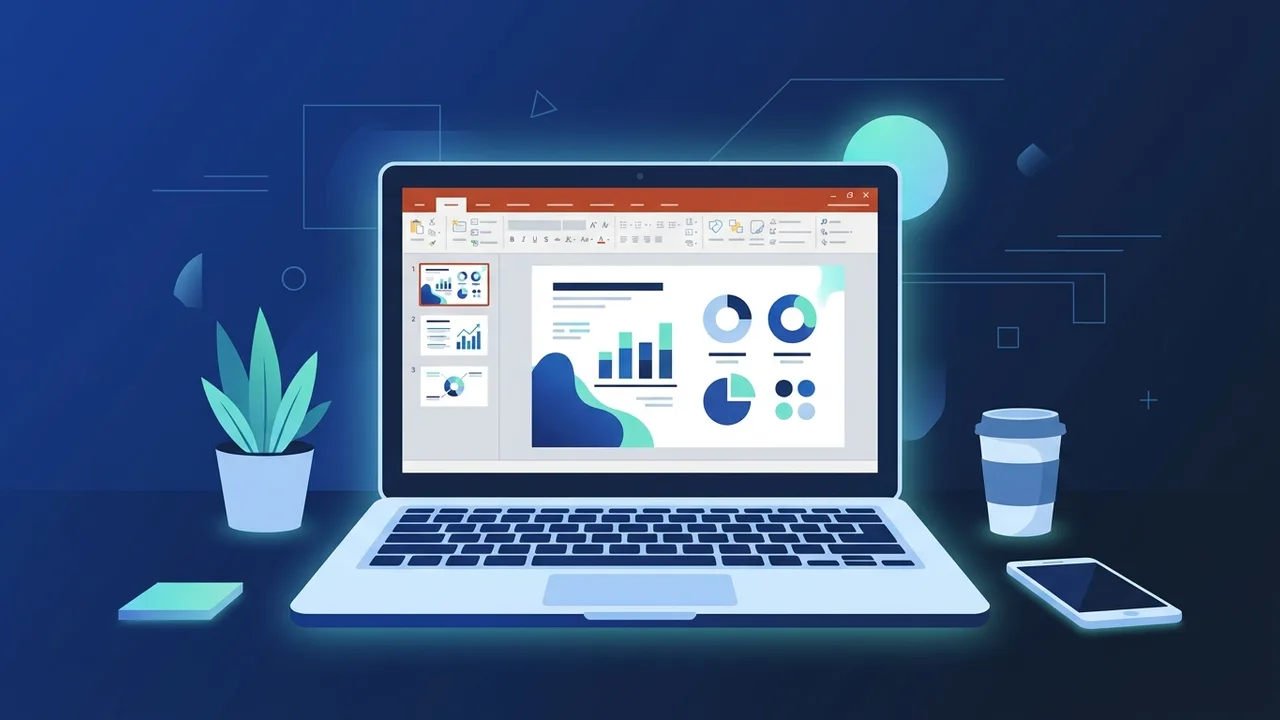
Overview of Downloading PowerPoint
Downloading PowerPoint is one of the most searched software topics among users in Saudi Arabia and across the broader Arab world. Whether you are a student preparing an academic presentation, a professional designing a business pitch, or a business owner creating marketing materials, PowerPoint remains the go-to tool for visual communication. Before you download PowerPoint, it is essential to understand the correct process that ensures you receive a genuine, fully functional copy with no limitations or interruptions. This step-by-step guide walks you through everything you need to know.
It is worth noting that PowerPoint is not typically offered as a standalone application in most purchasing scenarios. Instead, it comes as part of the Microsoft Office suite or through a Microsoft 365 subscription. Therefore, downloading PowerPoint is directly tied to owning a valid license for one of these two options.
Key Features of PowerPoint
PowerPoint stands out as the world's leading presentation software for good reason. Here are the key features that make it indispensable:
- Professional Ready-Made Templates: The application includes hundreds of pre-designed templates suitable for business, education, marketing, and more.
- Advanced Design Tools: Easily insert images, shapes, charts, icons, and videos to create visually compelling slides.
- Real-Time Collaboration: Multiple users can work on the same file simultaneously when connected to a Microsoft account, making teamwork seamless.
- Wide Format Compatibility: Export your presentations as PPTX, PDF, or even video files for maximum versatility.
- AI-Powered Designer: In modern versions, the Designer feature automatically suggests professional visual layouts as you build your slides.
- Right-to-Left Language Support: PowerPoint fully supports Arabic text direction, which is particularly valuable for users in Saudi Arabia and across the Middle East.
- Presenter Coach: A built-in AI tool that analyzes your delivery and helps you improve pacing, word choice, and overall presentation skills.
How to Download PowerPoint Step by Step
Follow these detailed steps to download PowerPoint and install it correctly on your device:
Step 1: Choose the Right Plan
Visit the official Microsoft website and review the available options. You can choose between a Microsoft 365 subscription, which provides the latest version of PowerPoint with continuous updates, or a one-time purchase of Office 2021, which is installed once and works indefinitely without recurring payments.
Step 2: Create or Sign In to a Microsoft Account
You will need a Microsoft account — any email address associated with Outlook, Hotmail, or a custom domain — to complete your purchase and activate your license. If you do not already have one, you can create a free account in just a few minutes directly on the Microsoft website.
Step 3: Enter Your License Key
After obtaining your license, sign in to office.com and navigate to the product redemption section. Enter your 25-character license key, and the system will automatically verify it and link it to your Microsoft account for future use.
Step 4: Download PowerPoint
Once the license is linked to your account, click the install button. PowerPoint will download as part of the full Office suite. The download file is typically between 3 and 4 gigabytes, so ensure you have sufficient storage space and a stable internet connection before starting.
Step 5: Run the Installation File
Open the downloaded file and follow the on-screen instructions. The installation process usually takes between 10 and 20 minutes, depending on your device's processing speed and available memory.
Step 6: Activate the Software
Once installation is complete, open PowerPoint and sign in with the Microsoft account linked to your license. The software will activate automatically, and you will have full access to all features without any restrictions.
Common Questions About Downloading PowerPoint
Many users have recurring questions about the process of downloading PowerPoint. Here are answers to the most frequently asked ones:
- Can I download PowerPoint for free? A limited free version is available through PowerPoint for the web, accessible via any browser. However, it does not include all the features found in the full desktop version.
- Does PowerPoint work on Mac? Yes, PowerPoint is available for Mac devices as part of the Office suite designed for macOS, and it works seamlessly across both platforms.
- What is the difference between Office 2021 and Microsoft 365? Office 2021 is a permanent one-time license with no recurring costs, while Microsoft 365 is an annual subscription that includes continuous updates, cloud storage, and additional services.
- Can I install PowerPoint on multiple devices? This depends on your license type. Microsoft 365 personal plans typically allow installation on up to five devices simultaneously.
Important Tips When Downloading PowerPoint
To ensure a smooth and secure experience when you download PowerPoint, keep the following tips in mind:
- Download from Official Sources Only: Always download PowerPoint from the official Microsoft website or through authorized resellers. Avoid unofficial sources that may bundle the software with malware or provide non-genuine keys.
- Check System Requirements: Verify that your device meets the minimum technical requirements before downloading. These typically include Windows 10 or later, a 1.6 GHz processor, and at least 4 GB of RAM.
- Keep Your License Key Safe: Store your license key in a secure location, as you will need it if you ever need to reinstall the software on the same or a new device.
- Enable Automatic Updates: Keep automatic updates turned on to ensure you always have the latest features and security patches.
- Use Cloud Backup: Link your PowerPoint to OneDrive to automatically save your files in the cloud and protect them from accidental loss.
- Verify Activation Status: After installation, go to File > Account within PowerPoint to confirm the software is properly activated and your subscription or license is valid.
Conclusion
Downloading PowerPoint is a straightforward process when you follow the correct steps and obtain a genuine license. The software offers powerful capabilities for creating professional presentations that meet a wide range of personal, academic, and business needs. Investing in an authentic copy guarantees continuous updates, technical support, and a stable experience over the long term — all of which make a significant difference in day-to-day productivity.
If you need a genuine Office 2021 Pro Plus Lifetime license, you'll find it at ABMKeys at a fair price with instant WhatsApp delivery.
Frequently Asked Questions
Can I download PowerPoint for free?
What is the difference between Office 2021 and Microsoft 365 when downloading PowerPoint?
Does PowerPoint work on Mac devices?
How many devices can I install PowerPoint on with a single license?
You can get a genuine license from ABMKeys at a competitive price with instant WhatsApp delivery.
Buy Now