
Download Photoshop: The Right Way to Do It
Learn how to download photoshop securely step by step. Discover key AI features, essential hardware requirements, and optimization tips for creative professionals in Saudi Arabia.
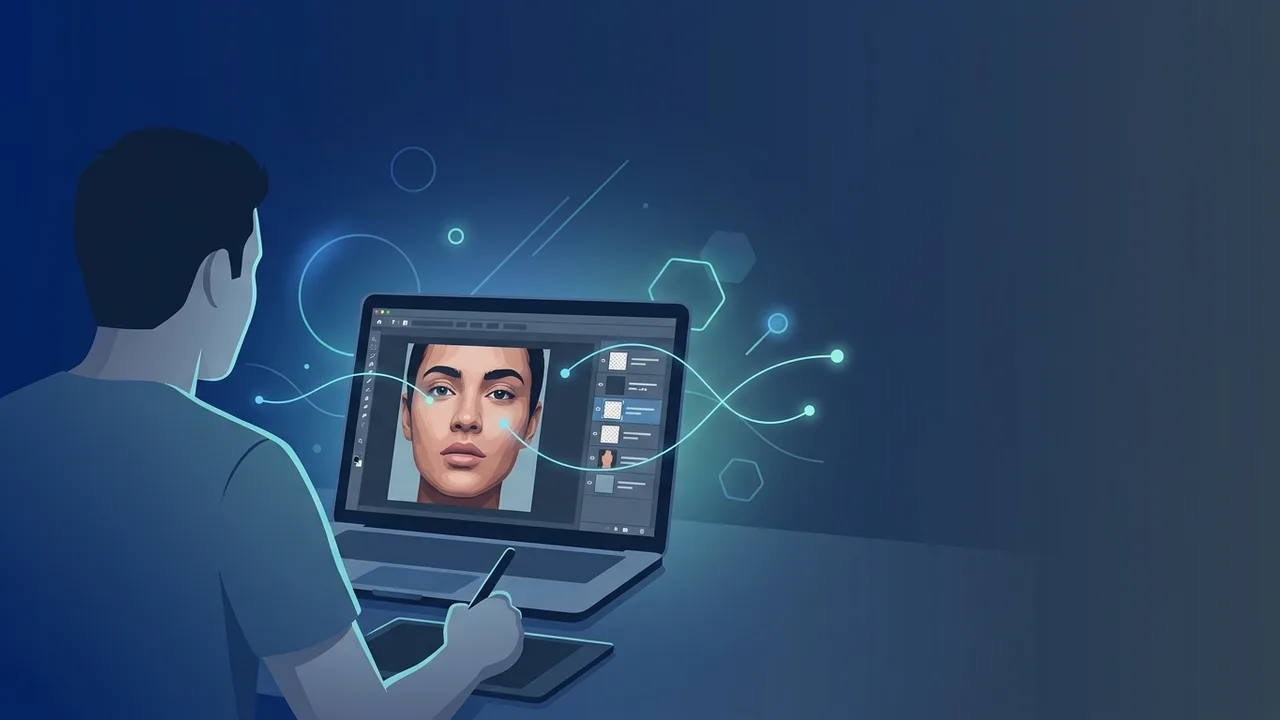
Overview of download photoshop
Adobe Photoshop stands as the industry-standard software for digital image editing, graphic design, and visual art creation globally. For professionals, digital artists, and marketing agencies in Saudi Arabia, finding a secure and official pathway to download photoshop is essential to unlock powerful design capabilities without compromising system security. Adhering to official installation standards ensures complete system stability, constant feature updates, and absolute safety for your valuable files.
Opting to download photoshop officially is not merely a technical choice; it is a vital business investment that opens boundless creative opportunities. As Saudi Arabia's digital landscape expands rapidly under the ambitious Vision 2030 framework, the reliance on high-quality visual media has surged across marketing, e-commerce, and corporate communications. Utilizing genuine software protects your operational pipeline from malicious viruses, ransomware, and sudden technical failures associated with cracked versions.
Whether you are a professional photographer refining high-resolution shots, a UI/UX designer building interactive layouts, or a business owner creating engaging social media ads, Photoshop offers a complete suite of professional tools. By ensuring your software setup is valid, you gain access to an extensive ecosystem of brushes, assets, and modern integrations that elevate your creative output to international standards.
Key Features
Before you begin to download photoshop, exploring its cutting-edge features will help you maximize your creative productivity and workflow efficiency:
- Generative AI Integration (Adobe Firefly): Experience prompt-based image creation. Use Generative Fill and Generative Expand to add, remove, or extend visual elements naturally with realistic lighting and matching perspectives.
- AI-Powered Selection Tools: Select highly intricate elements—such as human hair, complex fur, or busy backgrounds—with a single click, saving hours of tedious manual masking.
- Real-Time Cloud Synchronization: Save your projects directly to Adobe's cloud ecosystem. This allows you to access your work from any computer or iPad and collaborate easily with other creative teams across Riyadh, Jeddah, and Dammam.
- Revolutionary Neural Filters: Edit facial expressions, smooth skin tones, restore old black-and-white photos, and shift color palettes in seconds using highly advanced neural network algorithms.
- Smart Objects and Vector Support: Work non-destructively by converting layers into Smart Objects. This allows you to scale, warp, or filter graphics without losing the original image resolution or visual quality.
How to Use
To ensure a flawless download photoshop process and configure the application for maximum efficiency, follow these clear, step-by-step instructions:
Step 1: Account Preparation
Visit the official Adobe portal to create a new Adobe ID or sign in with your existing credentials. Next, download the official Adobe Creative Cloud desktop application, which acts as the central hub to manage, install, and update your Adobe applications securely.
Step 2: Initialize and Install Photoshop
Launch the Creative Cloud desktop app on your computer, navigate to the "Apps" catalog, find Photoshop, and click "Install". The system will automatically retrieve and install the latest stable files. Ensure a fast, stable internet connection to prevent any download interruptions.
Step 3: First-Launch Configuration
Once installation finishes, open Photoshop. To optimize the application for heavy design files, go to Preferences > Performance, and check the option to "Use Graphics Processor". This enables GPU acceleration, speeding up rendering times and making navigation smoother.
Step 4: Master the Layers Panel
Photoshop operates on a layer-based workflow, which keeps text, shapes, and images isolated from each other. This non-destructive structure allows you to make precise adjustments to specific elements without affecting the rest of your creative project.
Common Questions
In this section, we answer the most frequent questions from creative professionals and businesses in Saudi Arabia regarding the licensing, setup, and safe usage of Photoshop:
Does running Photoshop require high-end computer specifications?
To take full advantage of Photoshop's features, especially AI tools and high-resolution editing, your system should have at least 8 GB RAM (16 GB or more is highly recommended), a multi-core processor, a dedicated graphics card supporting DirectX 12, and a fast SSD to host your operating system and scratch disks.
Can I use Photoshop when I am offline?
Yes, you can edit and save your files locally without any active internet connection. However, the software must connect to the internet once every 30 days to verify your license status, and online features like cloud document syncing and Generative Fill require a live connection.
What are the actual security risks of using unofficial or cracked versions?
Using cracked versions of Photoshop exposes your computer to major security threats, such as trojans, ransomware, and spyware that can steal your personal or corporate data. Pirated files also lack software stability, often leading to sudden crashes, data loss, and complete exclusion from official updates and AI features.
How do I make sure my Photoshop application is always up to date?
You can easily manage this through the Adobe Creative Cloud desktop client. By enabling the "Auto-update" feature in the app settings, you ensure that the latest feature upgrades, bug fixes, and security patches are installed automatically as soon as they are released.
Important Tips
To maintain a secure, optimized, and productive design environment after you download photoshop, keep these expert tips in mind:
- Avoid Unofficial Files: Always purchase legitimate licenses to safeguard your operating system, stay legally compliant, and enjoy a seamless creative workflow.
- Manage Scratch Disks Wisely: Allocate a fast SSD as your primary scratch disk in preferences. This provides additional virtual memory when your RAM is fully utilized, preventing performance slowdowns.
- Keep GPU Drivers Updated: Regularly update your graphics card drivers (NVIDIA, AMD, or Intel) to ensure maximum compatibility and avoid unexpected display glitches or performance lags.
- Leverage Shortcuts: Familiarize yourself with standard keyboard shortcuts (such as Ctrl+J to duplicate layers or Ctrl+T for free transform) to speed up your routine tasks and design more efficiently.
Conclusion
Photoshop remains the premier choice for visual creatives who want to produce outstanding designs and compete in the thriving Saudi digital market. By opting for official software channels, you protect your system, ensure smooth performance, and build a secure professional workstation.
If you need a genuine Adobe Master Collection 2025 Windows Lifetime license, you'll find it at ABMKeys at a fair price with instant WhatsApp delivery.
Frequently Asked Questions
Does running Photoshop require high computer specifications?
Can I use Photoshop without a constant internet connection?
What are the risks of using pirated or unofficial versions?
How can I update Photoshop to the latest version?
You can get a genuine license from ABMKeys at a competitive price with instant WhatsApp delivery.
Buy Now