
DaVinci Resolve Studio 19 Windows Lifetime from Zero to Pro
Discover a complete, practical step-by-step guide to installing and using DaVinci Resolve Studio 19 Windows Lifetime on your PC to achieve professional editing and color grading.
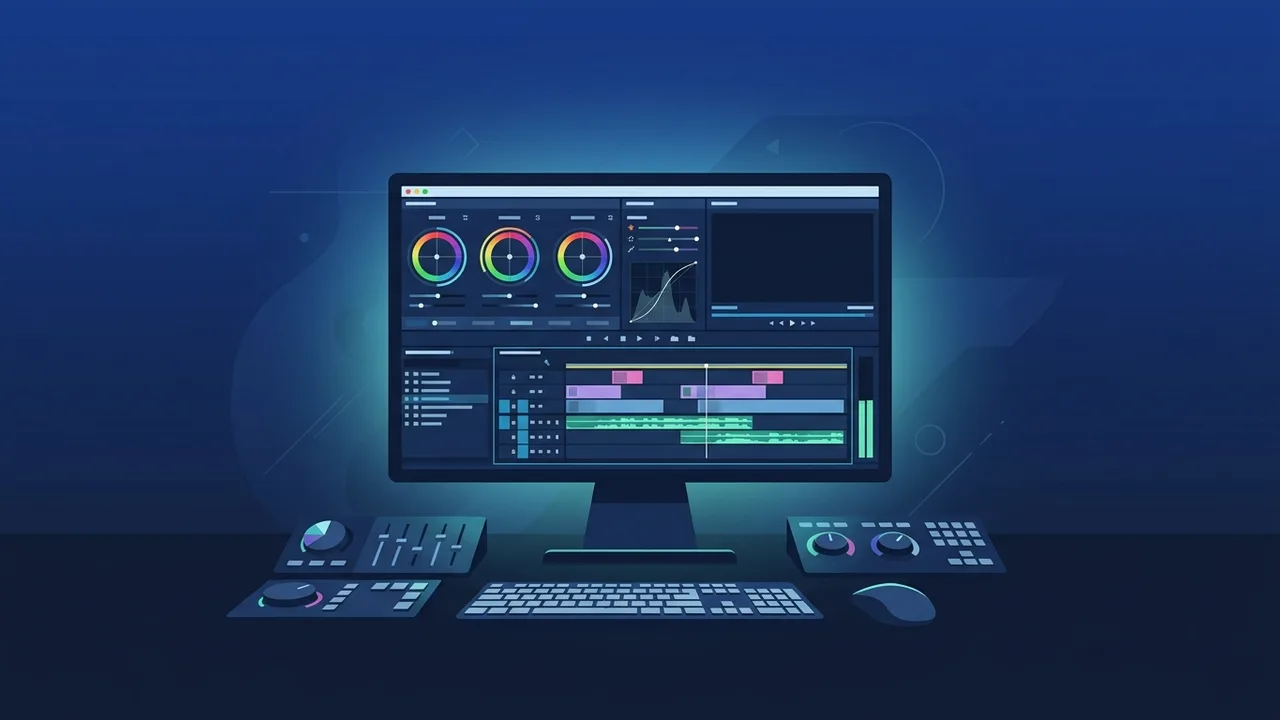
Video editing and post-production have become highly competitive fields, requiring creators and businesses to utilize industry-standard applications to deliver high-quality content. For Windows users seeking a perpetual license without the burden of ongoing subscription fees, DaVinci Resolve Studio 19 Windows Lifetime stands out as the ultimate powerhouse. In this practical step-by-step guide, we will explore the core benefits, key features, and installation processes to take your video editing skills from zero to professional grade.
Overview of DaVinci Resolve Studio 19 windows lifetime
Developed by Blackmagic Design, DaVinci Resolve is globally recognized as the only post-production software that combines professional editing, color grading, visual effects, and audio post-production inside a single, unified interface. Choosing the DaVinci Resolve Studio 19 Windows Lifetime edition ensures that you own the software outright, securing an exceptional return on investment for video editors, content creators, and production agencies.
The Windows version is highly optimized to leverage modern GPU architectures from Nvidia and AMD. This advanced compatibility translates to lightning-fast render speeds, real-time playback of high-resolution RAW footage, and stability that professional workflows demand.
Key Features
- Advanced AI Tools (DaVinci Neural Engine): Powered by cutting-edge AI, the software features instant voice isolation, smart reframe, ultra-precise magic masking, and automatic depth map generation.
- Hollywood-Grade Color Grading: Industry-standard HDR color wheels, color warper, and advanced curves allow you to manipulate colors with supreme cinematic precision.
- Fusion Visual Effects: Create complex 2D and 3D motion graphics and compositing effects without ever leaving the application.
- Fairlight Audio Engine: Supports up to 2000 real-time tracks with native professional plug-ins for dialogue cleanup, compression, and immersive 3D audio.
- High-Performance Playback: Enhanced optimization for multi-core CPUs and hardware-accelerated GPUs ensures a smooth editing timeline even with 8K footage.
How to Use
Getting started with your newly activated DaVinci Resolve Studio 19 Windows Lifetime license is straightforward. Follow these essential steps to set up your environment:
Step 1: Download and Setup
Go to the official Blackmagic Design Support page. Select "DaVinci Resolve Studio 19" for Windows and download the installation archive. Extract the zipped folder, run the executable installer, and complete the guided wizard on your computer.
Step 2: Activate Your Lifetime License
Launch the application for the first time. An activation window will prompt you to enter your product serial code. Enter your key to unlock the fully-featured, unrestricted DaVinci Resolve Studio 19 Windows Lifetime application forever.
Step 3: Creating and Optimizing a Project
Open the project manager and click "New Project". Navigate to the Project Settings (gear icon in the bottom-right corner) to set your timeline resolution, frame rate, and color space settings to match your camera source files.
Step 4: Importing Media and Editing
Import your raw footage by dragging and dropping clips into the Media Pool. Switch to the "Edit" or "Cut" page to drag clips onto the timeline, trim unnecessary frames, overlay audio tracks, and add titles.
Step 5: Color Grading and Rendering
Switch to the "Color" page to color correct and grade your footage using Node-based architecture. When satisfied, head over to the "Deliver" page, select your preferred render template (such as YouTube, Vimeo, or custom H.264/H.255 MP4), and export your final video.
Common Questions
Does the lifetime license include free future updates?
Yes, Blackmagic Design is famous for offering continuous free upgrades for major and minor releases to existing license holders without any subscription costs.
How many computers can I activate with this key?
A single official license key allows you to activate the software on up to two computers simultaneously, which is perfect for moving between a desktop workstation and a laptop.
Can I use the software offline?
Absolutely. You only need an internet connection during the initial activation step. Once activated, the software can run completely offline without any performance drop.
What are the recommended hardware specifications?
For smooth performance on Windows, a system with at least 16GB of RAM (32GB for 4K workflows), a dedicated GPU with 4GB+ VRAM, and an SSD for media storage is highly recommended.
Important Tips
- Enable Live Save: Navigate to Preferences > User > Project Save and Load, then turn on "Live Save". This protects your workspace by automatically saving every action instantly.
- Use Proxy Media: If your system lags on high-resolution footage, generate proxy files. This creates lightweight temporary files for smooth editing, while utilizing the original files during final export.
- Maintain Node Structure: When color grading, keep your nodes organized. Use specific nodes for exposure, white balance, and stylistic adjustments for painless revisions later on.
Conclusion
Upgrading to DaVinci Resolve Studio 19 Windows Lifetime is one of the most cost-effective decisions you can make as a digital artist or business owner. By securing a perpetual license, you protect yourself from recurring subscription bills while equipping your workflow with world-class, industry-proven tools capable of producing cinematic content.
You can get a genuine DaVinci Resolve Studio 19 Windows Lifetime license from ABMKeys at a competitive price with instant WhatsApp delivery.
Frequently Asked Questions
Does the lifetime license include free future updates?
How many computers can I activate with this key?
Can I use the software offline?
What are the recommended hardware specifications?
You can get a genuine license from ABMKeys at a competitive price with instant WhatsApp delivery.
Buy Now