
DaVinci Resolve Studio 19 Mac Lifetime Step by Step
Discover the correct way to install, activate, and optimize DaVinci Resolve Studio 19 Mac Lifetime on macOS with this step-by-step practical performance guide for video creators.
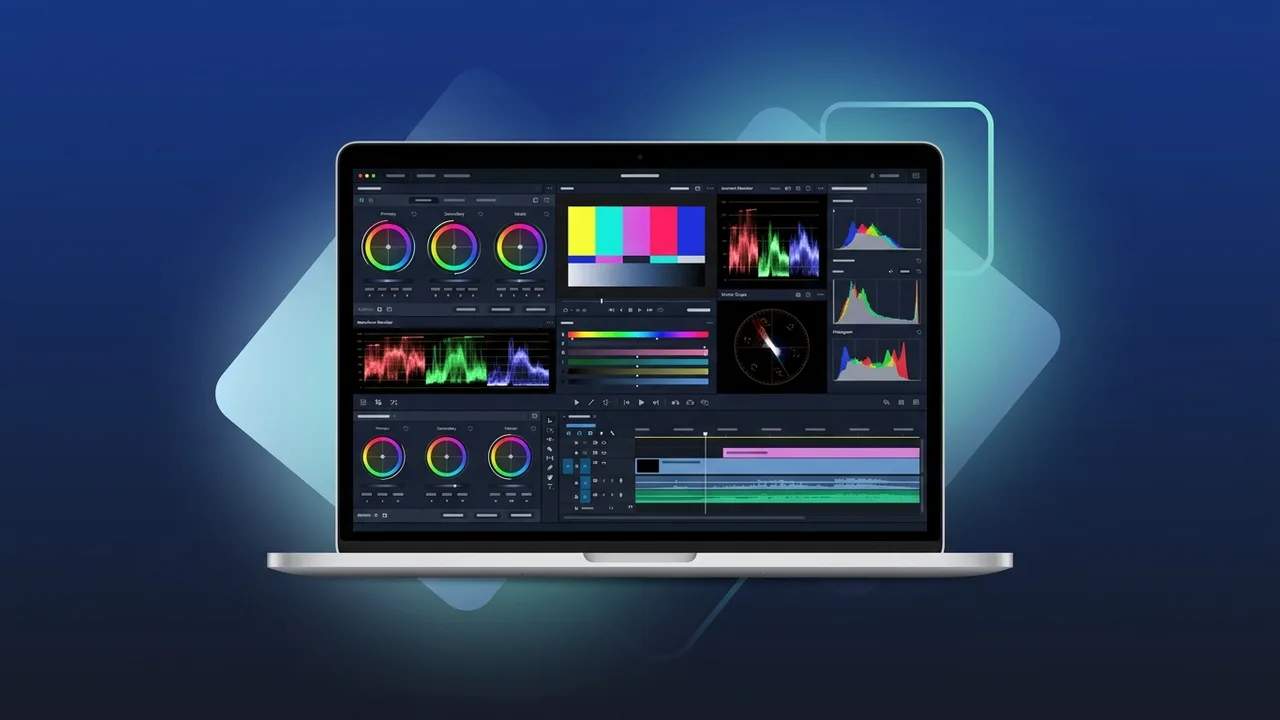
The creative landscape in Saudi Arabia is evolving rapidly, with filmmakers, video editors, and production houses demanding industry-standard software to deliver high-quality visual content. Among the top-tier video production suites, DaVinci Resolve Studio 19 Mac Lifetime stands out as the ultimate solution for editing, color grading, visual effects, and audio post-production. This guide provides a detailed, step-by-step approach to setting up, activating, and optimizing this software on your Mac computer.
Overview of DaVinci Resolve Studio 19 mac lifetime
DaVinci Resolve Studio 19 Mac Lifetime is an all-in-one post-production software widely recognized for its Hollywood-grade color correction and powerful editing capabilities. Optimized specifically for macOS, this version leverages the full potential of Apple Silicon (M1, M2, and M3 chips), delivering unparalleled rendering speed and real-time playback performance.
Opting for a lifetime perpetual license ensures that creators in Saudi Arabia can avoid the ongoing costs of monthly subscription plans. This makes it a highly cost-effective and secure investment for freelance editors, production agencies, and independent studios looking to stabilize their software budgets while retaining access to high-end features.
Key Features
The premium edition of DaVinci Resolve Studio 19 Mac Lifetime introduces revolutionary AI-driven features powered by the DaVinci Neural Engine, alongside classic industry-leading tools:
- Advanced Color Grading: State-of-the-art HDR grading tools, primary and secondary color correctors, and advanced color space management (DaVinci YRGB).
- AI Audio Tools: The Fairlight page now includes automatic voice isolation, dialogue levelers, and ambient noise reduction tools for crystal clear sound.
- Fusion Visual Effects: A robust node-based compositing environment that allows for 3D titling, advanced keying, and vector paint inside one software application.
- macOS Optimization: Native Metal API support provides lightning-fast processing speeds, reducing rendering times significantly on modern Mac laptops and desktops.
How to Use
Follow these practical steps to successfully install, activate, and start working with your license on macOS:
Step 1: Verify Hardware Compatibility
Ensure your Mac meets the recommended system specifications. It is highly recommended to have a Mac with Apple Silicon or an Intel CPU with dedicated graphics, running macOS Sonoma or newer, along with a minimum of 16GB of unified memory (RAM) for processing 4K timeline workloads smoothly.
Step 2: Download and Install
Download the official installer for DaVinci Resolve Studio 19 from the developer website. Open the downloaded .dmg package and run the installer. Follow the on-screen prompts to complete the installation process into your Applications folder.
Step 3: Activate Your License Key
Upon launching the application for the first time, an activation window will appear prompting you for a serial number. Enter your genuine license key for DaVinci Resolve Studio 19 Mac Lifetime and click the Activate button. Your license will be verified online instantly, unlocking all premium features.
Step 4: Configure Preferences for macOS
Go to the main application menu, select Preferences, and click on the System tab. Ensure that GPU Processing Mode is set to Metal to allow the application to make full use of your Mac hardware. Set up your scratch disks and media storage locations on a fast external SSD for optimal performance.
Common Questions
Does this lifetime license cover future updates?
Yes. A major benefit of the DaVinci Resolve Studio 19 Mac Lifetime license is that it grants you free access to future updates, including major version upgrades, without requiring additional payments.
On how many computers can I install this license?
The standard official license allows for concurrent activation on up to two separate machines, which is highly convenient if you work on both a desktop Mac Studio and a MacBook Pro on the go.
What is the difference between the free version and the Studio version?
The Studio version unlocks resolutions beyond 4K, supports high frame rates, and includes advanced AI tools, noise reduction, motion blur effects, and full hardware acceleration for premium camera codecs.
Do I need an active internet connection to run the software?
An internet connection is only required once during the initial activation process to register your license key. After that, you can work entirely offline.
Important Tips
To keep your editing sessions running smoothly on macOS, consider these performance optimization tips:
- Use Proxy Workflows: If you are working with demanding raw files or heavily compressed codecs, generate ProRes proxies to keep your editing playback responsive.
- Backup Project Databases: Periodically export and back up your project libraries. You can set up automatic project backups within the user preferences panel.
- Keep macOS Updated: Ensure you are running compatible macOS versions to make sure the latest security patches and Metal API updates align with your editing software.
Conclusion
Acquiring DaVinci Resolve Studio 19 Mac Lifetime is a significant upgrade for any digital creator or professional video editor in Saudi Arabia. By establishing a proper setup and configuring your hardware preferences, you can maximize your productivity and unlock stunning cinematic results on your Mac system.
You can get a genuine DaVinci Resolve Studio 19 Mac Lifetime license from ABMKeys at a competitive price with instant WhatsApp delivery.
Frequently Asked Questions
Does the DaVinci Resolve Studio 19 Mac Lifetime license support future updates?
On how many Mac computers can I use this activation key?
What are the main differences between the free version and the Studio version?
Does the software require a constant internet connection after activation?
You can get a genuine license from ABMKeys at a competitive price with instant WhatsApp delivery.
Buy Now