
DaVinci Resolve Studio 19 Mac Lifetime Buying Guide: What to Know Before Deciding
A detailed guide to help you understand the features of DaVinci Resolve Studio 19 Mac Lifetime on macOS, offering practical tips to choose the right perpetual license and avoid recurring monthly costs.
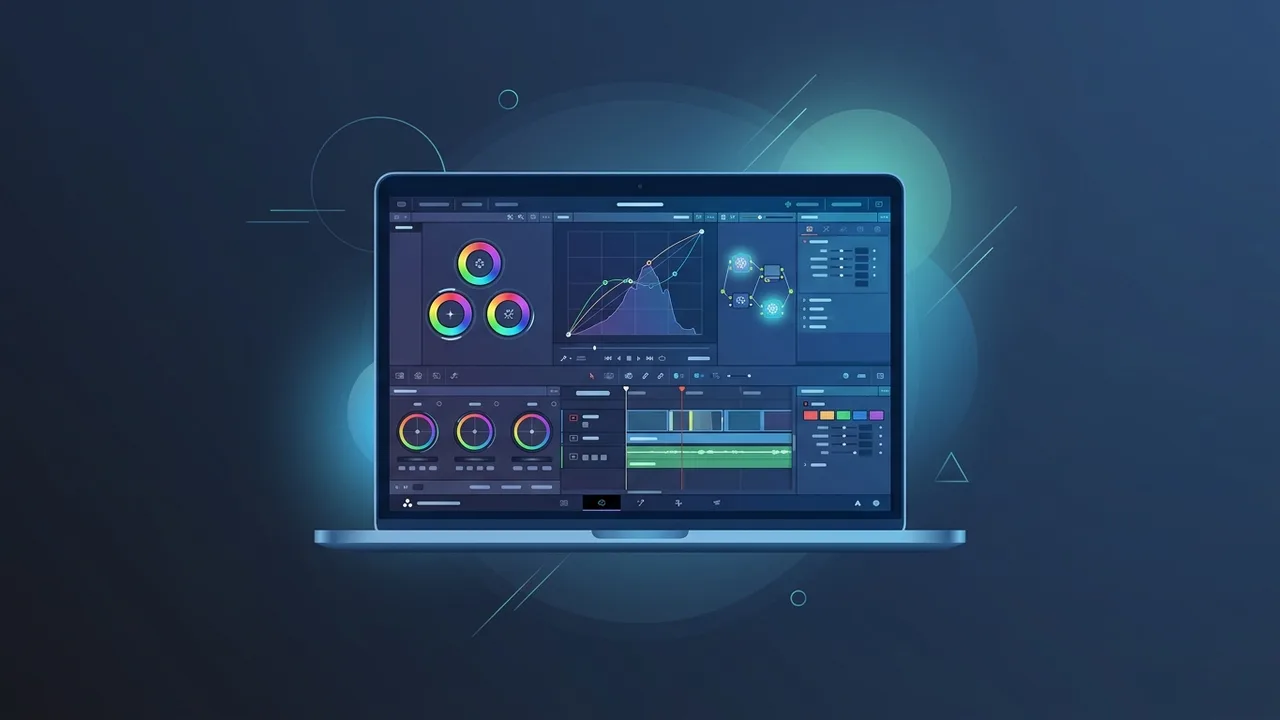
If you are looking to elevate your video editing and color grading capabilities in Saudi Arabia, choosing DaVinci Resolve Studio 19 Mac Lifetime is one of the most strategic decisions you can make. This powerhouse software brings together professional editing, color correction, visual effects, and audio post-production into a single, unified environment that has been custom-optimized for macOS.
Overview of DaVinci Resolve Studio 19 mac lifetime
The industry standard for cinematic post-production is redefined with DaVinci Resolve Studio 19 Mac Lifetime. Built to take full advantage of macOS and Apple Silicon architecture (including the powerful M1, M2, and M3 chip families), this software ensures incredible speed, efficiency, and real-time playback even with high-resolution workflows. Opting for the lifetime license version gives creative professionals and production houses in Saudi Arabia a massive financial advantage, freeing them from the burden of monthly subscription costs.
With a one-time investment, users can access an evolving set of cutting-edge creative features. This ensures that independent filmmakers, marketing agencies, and content creators can work with absolute peace of mind, knowing they own a perpetual license that won't lock them out due to missed subscription payments.
Key Features
Investing in DaVinci Resolve Studio 19 Mac Lifetime provides you with an array of state-of-the-art tools that go far beyond the capabilities of the free edition:
1. Advanced AI Tools (DaVinci Neural Engine)
The software leverages machine learning to automate tedious tasks. Features like AI voice isolation, automatic facial tracking, smart reframe, and object removal allow editors to accomplish complex visual tasks in just a few clicks.
2. Unrivaled Color Grading
Known worldwide as the gold standard for color correction, the software offers precise control over highlights, midtones, and shadows, alongside full support for High Dynamic Range (HDR) workflows and advanced wide-gamut color spaces.
3. Fairlight Professional Audio Engine
With professional audio editing, mixing, and mastering tools built right into the application, you can polish your soundtracks to cinematic perfection. It includes AI-driven dialogue levelers and background noise reduction features.
4. Fusion Visual Effects and Motion Graphics
Create Hollywood-caliber special effects and advanced 2D/3D motion graphics natively on the Fusion page without needing to export files to third-party software, preserving absolute project stability.
How to Use
To maximize the productivity of your DaVinci Resolve Studio 19 Mac Lifetime software, it is vital to establish a well-structured and logical workflow. Here is a step-by-step example of a professional production lifecycle:
Step 1: Set Up Your Project Settings
Upon launching the application, open the Project Settings (Shift + 9) to configure the appropriate resolution and frame rate. Ensuring that your timeline settings match your raw camera footage is crucial for keeping performance optimal and preventing frame-rate issues down the line.
Step 2: Import and Organize Your Media
Head to the Media page to import your footage. Use the metadata tag features or Smart Bins to categorize your clips based on camera model, shoot day, or scene number. This organization will save hours of search time during the editing phase.
Step 3: Edit on the Edit and Cut Pages
Drag your organized clips onto the timeline. The Cut page is tailor-made for fast-turnaround projects and social media videos, while the Edit page gives you precision tools for intricate pacing, multi-camera editing, and layered audio sequencing.
Step 4: Color Grade on the Color Page
This is where the magic happens. Build a non-destructive node tree to organize your adjustments. Use a primary node for exposure and white balance, a secondary node to refine skin tones, and a final node for creative LUTs to achieve that professional cinematic look.
Step 5: Export on the Deliver Page
Once you are satisfied, go to the Deliver page. Select your target preset (such as YouTube, Vimeo, or custom ProRes/H.264 exports). The software utilizes the hardware acceleration on Mac computers to render 4K and 8K videos in record time.
Common Questions
When transitioning to a high-end application, several questions naturally arise for professionals in Saudi Arabia. Buyers often want to know if the software is fully compatible with older Intel Macs or if it is strictly optimized for Apple Silicon. There is also frequent interest in understanding how the activation key works when upgrading a physical workstation or shifting projects to a brand-new MacBook Pro. These common questions, along with answers detailing the upgrade path and licensing terms, are covered extensively below to provide you with the transparency needed before purchasing.
Important Tips
Before buying and installing the software, consider these expert tips to ensure a seamless and highly optimized performance on macOS:
- Ensure Sufficient Memory: High-resolution editing requires at least 16GB of unified memory (RAM) on Mac, although 32GB or higher is highly recommended for smooth 4K/8K timeline playback.
- Utilize High-Speed Storage: Keep your media cache and source files on high-speed NVMe external SSDs connected via Thunderbolt for lag-free scrubbing and rendering.
- Keep macOS Updated: Regularly updating your operating system ensures that you can take advantage of the latest Apple Silicon optimizations and metal graphics API enhancements.
Conclusion
Investing in a perpetual license is a game-changing choice for boutique studios, independent filmmakers, and serious content creators who value independence from subscription models. With its unmatched AI features and deep integration with Apple's architecture, you are guaranteed a professional, fast, and future-proof production ecosystem.
You can get a genuine DaVinci Resolve Studio 19 Mac Lifetime license from ABMKeys at a competitive price with instant WhatsApp delivery.
Frequently Asked Questions
Is the DaVinci Resolve Studio 19 Mac Lifetime license genuinely perpetual?
Does the software support the latest Apple Silicon processors?
What is the difference between the free version and the Studio edition?
Can I transfer the license to another Mac computer later?
You can get a genuine license from ABMKeys at a competitive price with instant WhatsApp delivery.
Buy Now