
Create Outlook Account Step by Step
Learn how to create outlook account step by step to access integrated Microsoft services. A practical and simple guide for individuals and businesses in Saudi Arabia.
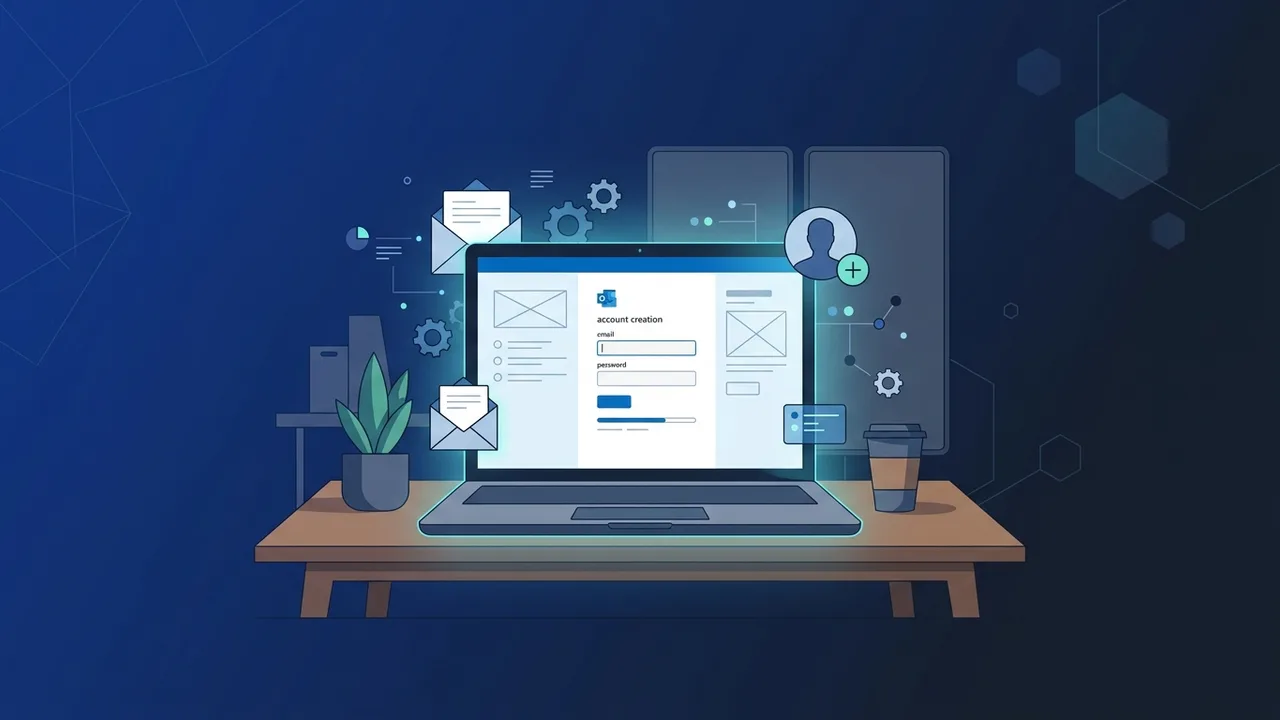
Email communication is the cornerstone of modern corporate and personal productivity in Saudi Arabia. Among the plethora of email services available globally, Microsoft Outlook remains a premier option for both enterprises and individuals. Choosing to create outlook account opens up a world of comprehensive tools designed to streamline communication, schedule operations, and store critical data securely.
Overview of create outlook account
Microsoft Outlook is far more than just a typical mailbox; it is a sophisticated personal information manager that empowers you to control your daily schedule, contacts, and tasks. Deciding to create outlook account gives you access to a secure platform that syncs flawlessly across all Microsoft 365 cloud services.
In the Saudi Arabian business ecosystem, having a professional and reliable communication channel is vital. Microsoft Outlook stands out because of its exceptional spam filters, clutter management, and focused inbox features that help you prioritize urgent matters. Moreover, the seamless integration with Windows and the classic Office applications makes it the logical choice for professionals seeking productivity and administrative excellence.
Key Features
Once you successfully create outlook account, you unlock an array of top-tier, enterprise-grade capabilities tailored to boost efficiency:
- Advanced Calendar Integration: Easily book appointments, schedule online meetings, and share your availability with colleagues to streamline team collaboration.
- Robust Security & Privacy: Benefit from built-in security features designed to detect and block phishing attempts, malicious malware, and spam messages from entering your inbox.
- Generous Cloud Storage: Every new account comes with direct access to OneDrive, allowing you to upload, edit, and share important files on the go.
- Direct Office Web App Access: Open, modify, and review Word, Excel, and PowerPoint files straight from your web browser without downloading separate software.
- Comprehensive Contact Management: Maintain an organized address book, create custom distribution lists, and simplify group emailing.
How to Use
Setting up your new profile is simple and takes only a few minutes. Follow these practical steps to create outlook account correctly:
- Navigate to the official Microsoft signup portal at outlook.com.
- Click on the prominent "Create free account" button on the landing page.
- Choose a unique email address prefix (for example, [email protected]). Try to keep it professional if you plan on using it for business correspondence.
- Establish a strong and secure password. Make sure it contains a blend of uppercase letters, lowercase letters, numbers, and special symbols.
- Provide your basic demographic details including your first name, last name, date of birth, and region (Saudi Arabia).
- Complete the quick security verification puzzle to prove you are a human and not an automated bot.
Once these steps are completed, you will be redirected to your inbox dashboard where you can customize your layout, set a signature, and start sending messages immediately.
Common Questions
Many users in Saudi Arabia frequently ask about the best ways to configure their newly established accounts on mobile devices. Setting up Outlook on Android or iOS is incredibly easy; you just need to download the official Outlook mobile app and sign in using your newly generated credentials.
Another common concern involves account recovery options. To prevent getting locked out of your mailbox, it is critical to supply an alternative email address and an active mobile number during the initial registration process. This allows you to reset your password and verify your identity in seconds using secure OTP verification.
Important Tips
To ensure your account remains safe and performs optimally over the long term, consider the following best practices:
- Activate Two-Factor Authentication (2FA): This provides an extra layer of defense by requiring a mobile verification code in addition to your password during sign-in.
- Regularly Update Recovery Information: Ensure your phone number and secondary email remain active so you can always recover your profile.
- Utilize Email Rules: Set up custom rules to automatically categorize incoming messages into specific folders, preventing your inbox from becoming cluttered.
- Exercise Caution with Attachments: Do not open attachments or click links from unrecognized send with questionable sender addresses.
Conclusion
Ultimately, to create outlook account is to invest in a highly professional digital identity that connects you to the broader global business landscape. Ensuring your productivity tools are backed by genuine, original software licenses guarantees stability, continuous security updates, and a seamless work experience.
If you need a genuine Office 2021 Pro Plus – Email-Linked Permanent License license, you'll find it at ABMKeys at a fair price with instant WhatsApp delivery.Frequently Asked Questions
Is it completely free to create outlook account?
How can I secure my newly created Outlook account?
Can I use my Outlook account to access Microsoft Office programs?
What is the available storage capacity when I create outlook account?
You can get a genuine license from ABMKeys at a competitive price with instant WhatsApp delivery.
Buy Now