
Adobe Photoshop from Zero to Pro
Discover our practical step-by-step guide to mastering Adobe Photoshop in Saudi Arabia. This article covers legal installation, essential tools and layers, and local payment methods for students and creative professionals in KSA.
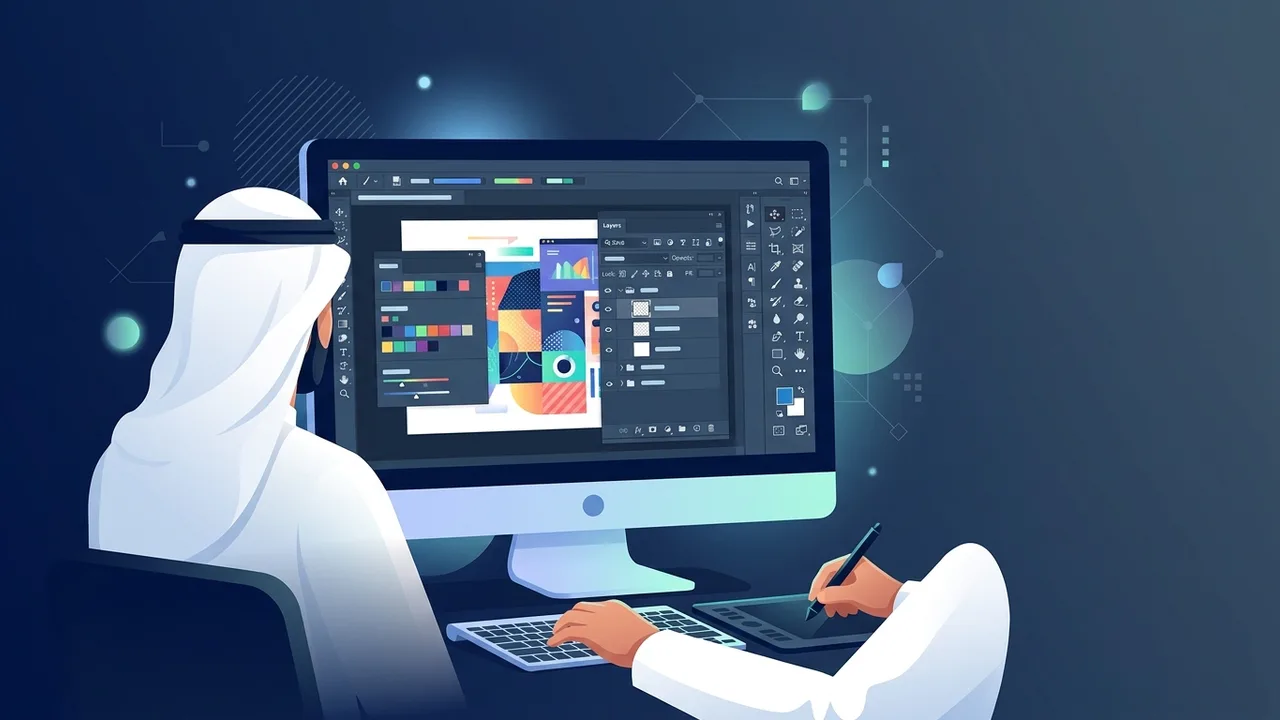
How to Download and Install Adobe Photoshop Legally in Saudi Arabia
Saudi Arabia is witnessing a massive digital shift, backed by strict regulations from the Saudi Authority for Intellectual Property (SAIP) to protect digital rights and software compliance. Therefore, your first step towards professional work begins with avoiding cracked versions and focusing on a legal Photoshop download Saudi route. To do this safely, you should obtain your license through the official Adobe Creative Cloud Saudi Arabia portal.
Start by creating your Adobe ID using an active email address. After successful registration and verification, download the Creative Cloud Desktop app onto your device. Through this central platform, you can install and update Adobe Photoshop with a single click. Purchasing a legitimate license guarantees that your computer is protected against malware and security breaches often bundled with pirated files, while also giving you full access to continuous updates and advanced AI features like Generative Fill.
Understanding the Photoshop Interface and Basic Tools for Beginners
When opening the application for the first time, the screen might look crowded with panels and commands, but learning how to use Photoshop for beginners becomes easy once you understand its layout. The user interface is logically organized into key sections: the top Menu Bar, the context-sensitive Options Bar, the Tools Panel on the left, and various control panels on the right, dominated by the Layers Panel.
Getting familiar with the tools is essential for any creative work. The Move Tool is your go-to option for selecting and moving design elements on the screen. Selection tools like the Lasso Tool and Marquee Tool allow you to isolate and modify specific parts of an image. For custom designs and editing, the Brush Tool is vital, while the Type Tool lets you add stylish typography, and the Crop Tool lets you adjust dimensions for web layouts or print standards.
Step-by-Step Guide: Creating Your First Project and Editing Images
To start your very first design project in Adobe Photoshop, follow these practical steps:
- Create a New File: Go to File > New. A settings window will pop up. If your design is meant for websites or screens, set the resolution to 72 pixels/inch and choose the RGB color mode. If you are preparing a design for local print shops in Saudi Arabia, set the resolution to 300 pixels/inch and select the CMYK color mode.
- Import and Edit Your Image: Drag and drop the image you want to edit into the blank workspace. To adjust lighting and contrast, navigate to Image > Adjustments > Levels. Use the sliders to balance shadows and highlights easily.
- Clean up Imperfections: Select the Spot Healing Brush Tool and click over any blemishes or unwanted details to remove them instantly, keeping your image clean and natural.
Secrets to Mastering Layers and Masks Like a Professional
Layers are the foundational blocks of any layout in Adobe Photoshop. Imagine layers as transparent sheets stacked on top of one another; modifying one layer does not affect the elements above or below it. This enables non-destructive editing, giving you the freedom to make changes or reverse steps at any point without losing your original file data.
To elevate your skills, you need to master Layer Masks. Instead of using the Eraser Tool to permanently delete parts of an image, masks let you hide or reveal areas using black and white colors. Painting with black on a mask hides the content, while painting with white restores it. This pro technique allows you to blend multiple images seamlessly, create realistic compositions, and swap backgrounds without damaging a single pixel.
Adobe Subscription Plans and Pricing Options in KSA
When you decide to buy Photoshop official license packages, there are several flexible options tailored to individual creators, businesses, and academic users in Saudi Arabia. The Adobe Photoshop KSA price varies depending on the plan you choose. Adobe offers a Single App subscription, as well as a cost-effective Photography Plan that bundles Photoshop and Lightroom together, making it highly affordable for photographers and hobbyists.
To complete your subscription easily, the official platform supports local payment methods. Saudi users can safely pay using Photoshop Mada payment cards, Apple Pay, or credit cards, ensuring a fast and secure transaction process.
Moreover, students and educators can take advantage of the Photoshop student discount KSA, which offers up to 60% off the complete Creative Cloud suite. By registering with an official university email ending in (.edu.sa), students across the Kingdom can acquire genuine software at highly discounted rates to support their learning journey.
Tips for Exporting and Saving Designs in High Quality for Print and Digital
The final step of any successful project in Adobe Photoshop is exporting the file in the correct format. For social media posts or web graphics, go to File > Export > Export As. Choose PNG-24 for lossless quality and transparent backgrounds, or choose JPEG with quality set to 80% or higher to maintain sharp visuals at a smaller file size.
For physical printing projects like business cards, posters, or roll-ups, save your design as a high-resolution PDF or TIFF file. Ensure you have converted the color mode to CMYK before saving to guarantee that the printed physical colors match your screen perfectly and avoid any printing mistakes.
If you need a genuine Adobe Master Collection 2025 Windows Lifetime license, you'll find it at ABMKeys at a fair price with instant WhatsApp delivery.
Frequently Asked Questions
How do I apply for the student discount on Adobe Photoshop in KSA?
Can I pay for my Adobe subscription using Mada in Saudi Arabia?
What is the difference between RGB and CMYK color modes in Photoshop?
Does the legal version of Photoshop require a constant internet connection?
You can get a genuine license from ABMKeys at a competitive price with instant WhatsApp delivery.
Buy Now