
A Practical Comparison: Project 2019 Pro Lifetime
A comprehensive practical comparison of Project 2019 Pro Lifetime, highlighting key differences, features, and advantages over alternative project management solutions for KSA businesses.
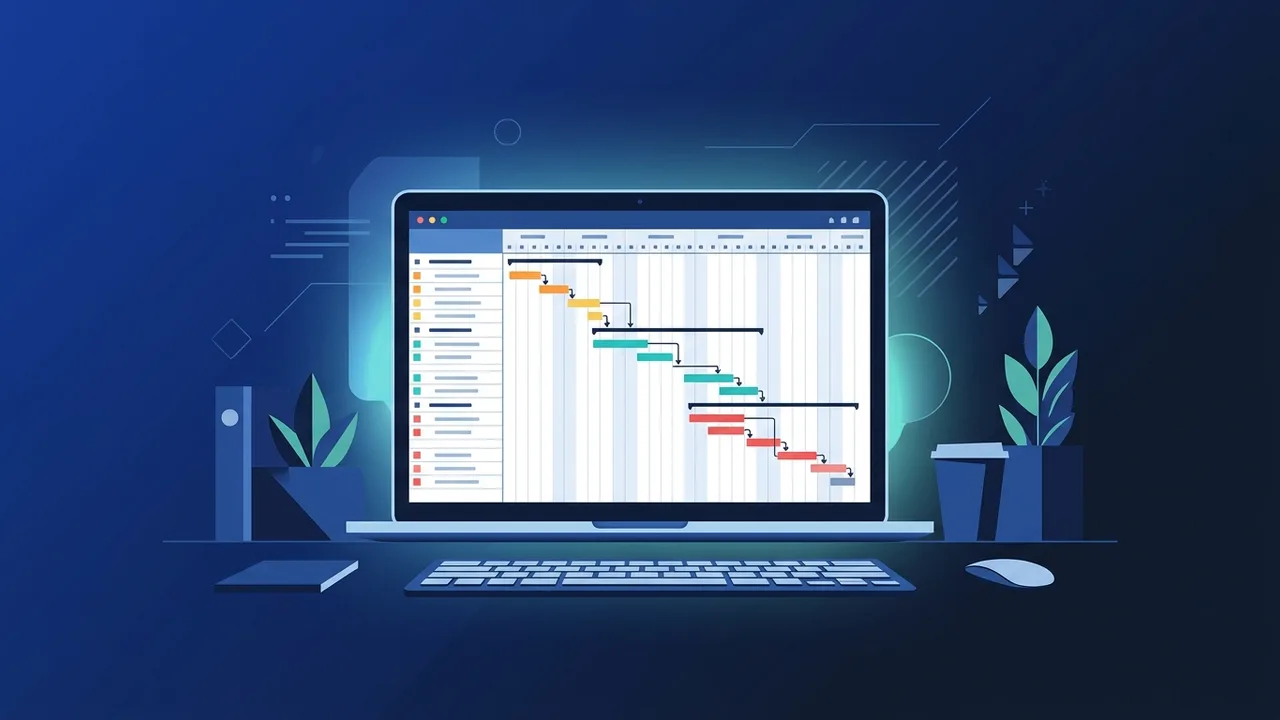
Effective project management is the cornerstone of organizational success in Saudi Arabia's rapidly evolving economy. As local businesses align with the goals of Saudi Vision 2030, the demand for high-performance scheduling, resource allocation, and budgeting software has reached an all-time high. Among the top-tier solutions, Project 2019 Pro Lifetime stands out as an outstanding, permanently licensed desktop application designed to streamline project execution. This comprehensive, neutral comparison evaluates this software's true value proposition against standard editions and subscription-based alternatives, helping KSA professionals and businesses make an informed, budget-friendly decision.
Overview of Project 2019 Pro Lifetime
The main appeal of Project 2019 Pro Lifetime lies in its perpetual licensing model. Unlike cloud-based software-as-a-service (SaaS) solutions that require ongoing monthly or annual subscription fees, this version grants the user a perpetual, non-expiring license for a single computer. This eliminates recurring overhead costs, making it an excellent capital asset for long-term budget management.
When compared to the Standard edition, the Professional edition of Project 2019 is specifically built for collaborative and enterprise environments. It enables users to easily connect to Project Server, submit timesheets, manage shared resources across multiple portfolios, and visualizes complex workflows with unparalleled clarity.
| Feature | Project 2019 Pro Lifetime | Project 2019 Standard | SaaS Subscriptions |
|---|---|---|---|
| License Model | One-time Purchase (Perpetual) | One-time Purchase (Perpetual) | Recurring Monthly/Annual |
| Shared Resources | Fully Supported | Not Supported | Fully Supported |
| Project Server Link | Supported | Not Supported | Cloud Integration |
Key Features
Choosing Project 2019 Pro Lifetime grants access to a powerful ecosystem of professional tools designed to enhance efficiency and maintain timeline control:
- Dynamic Resource Management: Intuitively allocate team members, machinery, and physical inventory to avoid bottlenecking or overallocation.
- Advanced Gantt Visualizations: Generate highly detailed timeline structures highlighting task dependencies, milestones, and critical paths.
- Pre-designed Business Templates: Jumpstart projects instantly with built-in professional layouts tailored for engineering, IT, marketing, and construction sectors.
- Advanced Reporting Tools: Create custom, visual dashboards showcasing budget summaries, task progression, and cost variances to easily share with stakeholders.
How to Use
Setting up and managing Project 2019 Pro Lifetime is straightforward, ensuring your systems remain secure and fully optimized:
- Download Official Files: Secure the original installer through official Microsoft portals to avoid compromised software or malware threats.
- Install the Software: Follow the on-screen prompt guidelines to deploy the application onto your operating system.
- Activate the License: Insert your 25-character genuine product key when prompted to unlock your permanent desktop access.
- Develop Your Project Plan: Create your project file, establish the Work Breakdown Structure (WBS), and map tasks to resources to monitor your project scope.
Common Questions
Can I transfer the lifetime license to a different PC?
Yes, but the license remains active on only one PC at a time. To transfer, you must uninstall the software from the original device first and then register it on your new computer.
Is an internet connection required to run Project 2019 Pro Lifetime?
No. Project 2019 Pro Lifetime is a dedicated desktop application. Internet is only required during the initial license validation phase and for security updates.
Is this software compatible with Mac systems?
No, Project 2019 Pro is built strictly for Windows operating systems (Windows 10 and Windows 11) and does not support macOS natively.
Will I receive standard security patches?
Yes, your genuine activation key grants you full access to Microsoft's standard security patches and bug fixes to ensure application stability.
Important Tips
To secure a seamless deployment and maximize your organizational return on investment, consider these guidelines:
- Verify Windows Requirements: Ensure your computers run Windows 10 or Windows 11. Older versions like Windows 7 and Windows 8 are not supported.
- Invest in Team Training: Because the Professional version includes comprehensive planning features, standard training for your team will yield vastly superior workflow efficiency.
- Purchase Genuine Product Keys: Avoid using unverified activators or cracked software, which can compromise enterprise database security and lead to costly cyber threats.
Conclusion
For organizations, engineers, and project managers in Saudi Arabia seeking top-tier scheduling power with zero recurring fees, Project 2019 Pro Lifetime represents a highly dependable, cost-effective long-term asset. By investing in a perpetual license, you can maintain absolute control over complex projects, budgets, and operational schedules with maximum peace of mind.
You can get a genuine Project 2019 Pro Lifetime license from ABMKeys at a competitive price with instant WhatsApp delivery.
Frequently Asked Questions
Can I transfer the lifetime license to a different PC?
Is an internet connection required to run Project 2019 Pro Lifetime?
What is the main difference between Project 2019 Pro and the Standard edition?
Will I receive standard security patches?
You can get a genuine license from ABMKeys at a competitive price with instant WhatsApp delivery.
Buy Now