
A Practical Comparison: MS Project Pro 2024 Lifetime Comparison
A comprehensive and neutral comparison of MS Project Pro 2024 Lifetime. Discover its key features, core differences compared to previous versions, and practical tips to help Saudi businesses choose the right project management tool.
In the rapidly evolving business landscape of Saudi Arabia, efficient project management has become a critical pillar for organizational success. With major construction, IT, and infrastructure projects driving the nation's development, having a reliable project tracking system is indispensable. MS Project Pro 2024 Lifetime stands out as one of the most powerful and trusted desktop applications designed to help project managers organize complex schedules, manage resources, and stay within budget. This practical comparison will guide you through its core capabilities, help you understand its benefits, and determine if this lifetime edition is the right fit for your organization.
Overview of MS Project Pro 2024 Lifetime
MS Project Pro 2024 Lifetime is a perpetual, one-time purchase license tailored for professionals and organizations that prefer a stable software investment without the recurring costs of monthly or annual cloud subscriptions. Unlike SaaS alternatives that require constant subscription renewals, this lifetime license offers KSA businesses full control over their software assets, aligning perfectly with capital expenditure (CapEx) budgeting strategies.
The lifetime model ensures that your project data remains secure locally, and your access to the tool is never interrupted by subscription lapses or internet connectivity issues. It provides the full suite of advanced desktop tools needed to plan, execute, and monitor projects of any scale.
Key Features
The 2024 edition introduces several enhancements and optimizations over previous versions like Project 2021, making it a highly robust tool for modern project demands:
- Optimized Resource Management: Easily define and allocate human resources, equipment, and materials. The software automatically alerts you to overallocations, helping you balance workloads effectively.
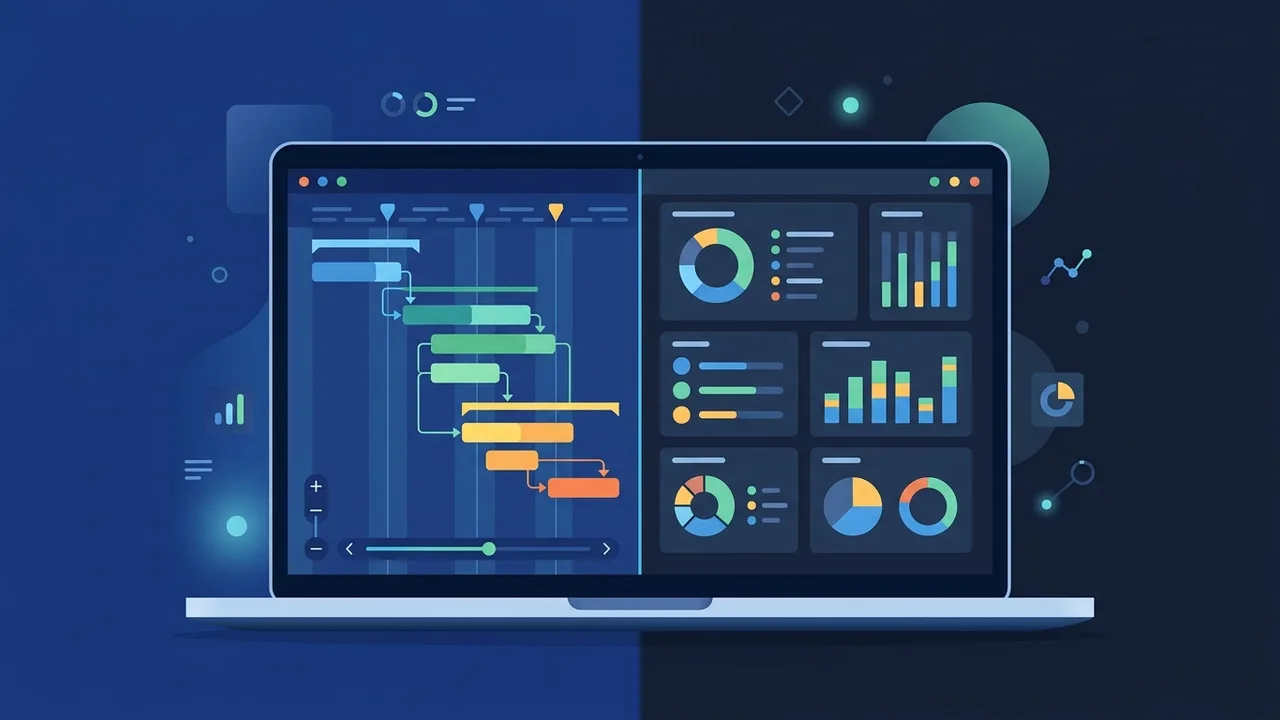
- Dynamic Gantt Charts & Scheduling: Take advantage of interactive Gantt charts, network diagrams, and timeline views to visualize project progress. The critical path method helps identify key tasks that directly impact the project completion date.
- Built-In Reporting Dashboards: Access a rich set of customizable, pre-installed reports—such as Burndown and Resource Overview—to present professional insights to stakeholders and executive boards without exporting data.
- Modern UI and Enhanced Speed: The user interface has been refined to align seamlessly with Windows 11 aesthetics, offering faster loading times, smoother navigation, and improved performance when handling large, multi-tiered project files.
How to Use
To get started with MS Project Pro 2024 Lifetime and leverage its features effectively, follow these fundamental operational steps:
1. Define Project Metadata and Calendar
Create a new project file and establish the baseline parameters, including the default work week, working hours, and local holidays. Customizing the calendar ensures that your automated schedules account for actual working days in your region.
2. Build the Work Breakdown Structure (WBS)
List all project tasks and group them under summary tasks to build a structured hierarchy. Set durations for each task and link them using dependencies (such as Finish-to-Start or Start-to-Start relationships) to build a dynamic timeline.
3. Assign Resources and Budgets
Add resources—including team members, materials, and generic labor costs—into the Resource Sheet. Assign these resources to specific tasks; the program will automatically calculate total costs and highlight any resource conflicts.
4. Save a Baseline and Track Performance
Once your plan is finalized, save the project baseline. As the project progresses, update task completion percentages and actual hours worked. Compare these real-time values against your baseline to monitor variances and address delays early.
Common Questions
Here we address some of the most frequent queries raised by businesses and IT departments regarding this lifetime version:
- Does this version require an active internet connection to work? No. Once the activation process is complete using your genuine product key, the application operates entirely offline, keeping your project plans and intellectual property secure within your local network.
- Is the license transferable to a new PC? Yes. The perpetual lifetime license can be linked to your Microsoft account. If you purchase a new computer, you can transfer the license by uninstalling it from the old device and activating it on the new one.
- Which operating systems are supported? This software is built exclusively for Windows and is fully compatible with Windows 10 and Windows 11.
Important Tips
To maximize the return on your software investment, consider these practical recommendations:
- Standardize Team Templates: Create customized project templates with pre-defined calendars and resource lists to ensure consistency across different departments in your organization.
- Train Your Core Team: Since the tool features highly advanced scheduling algorithms, providing training for your project management office (PMO) will ensure you utilize its full analytical potential.
- Ensure License Authenticity: Always source your licenses from reputable providers to guarantee you receive a genuine product key, securing access to crucial security updates and preventing compliance issues.
Conclusion
MS Project Pro 2024 Lifetime remains an unmatched solution for project managers who need a comprehensive, reliable, and subscription-free project planning tool. Its advanced resource allocation, dynamic scheduling, and powerful reporting capabilities make it an ideal choice for businesses aiming to optimize project delivery timelines and control operational costs.
You can get a genuine MS Project Pro 2024 Lifetime license from ABMKeys at a competitive price with instant WhatsApp delivery.
Frequently Asked Questions
Does MS Project Pro 2024 Lifetime require an active internet connection?
Can I transfer the license to another computer later?
Which operating systems support MS Project Pro 2024 Lifetime?
What is the key difference between this lifetime license and cloud subscriptions?
You can get a genuine license from ABMKeys at a competitive price with instant WhatsApp delivery.
Buy Now